Access logs
This page isn't usually needed for the group you picked under Viewing as. It's shown because you opened it directly.
Organization Settings → Access Logs records every time someone views, edits or finalizes a test. Use it for privacy audits and to answer “who looked at this patient’s record?”.
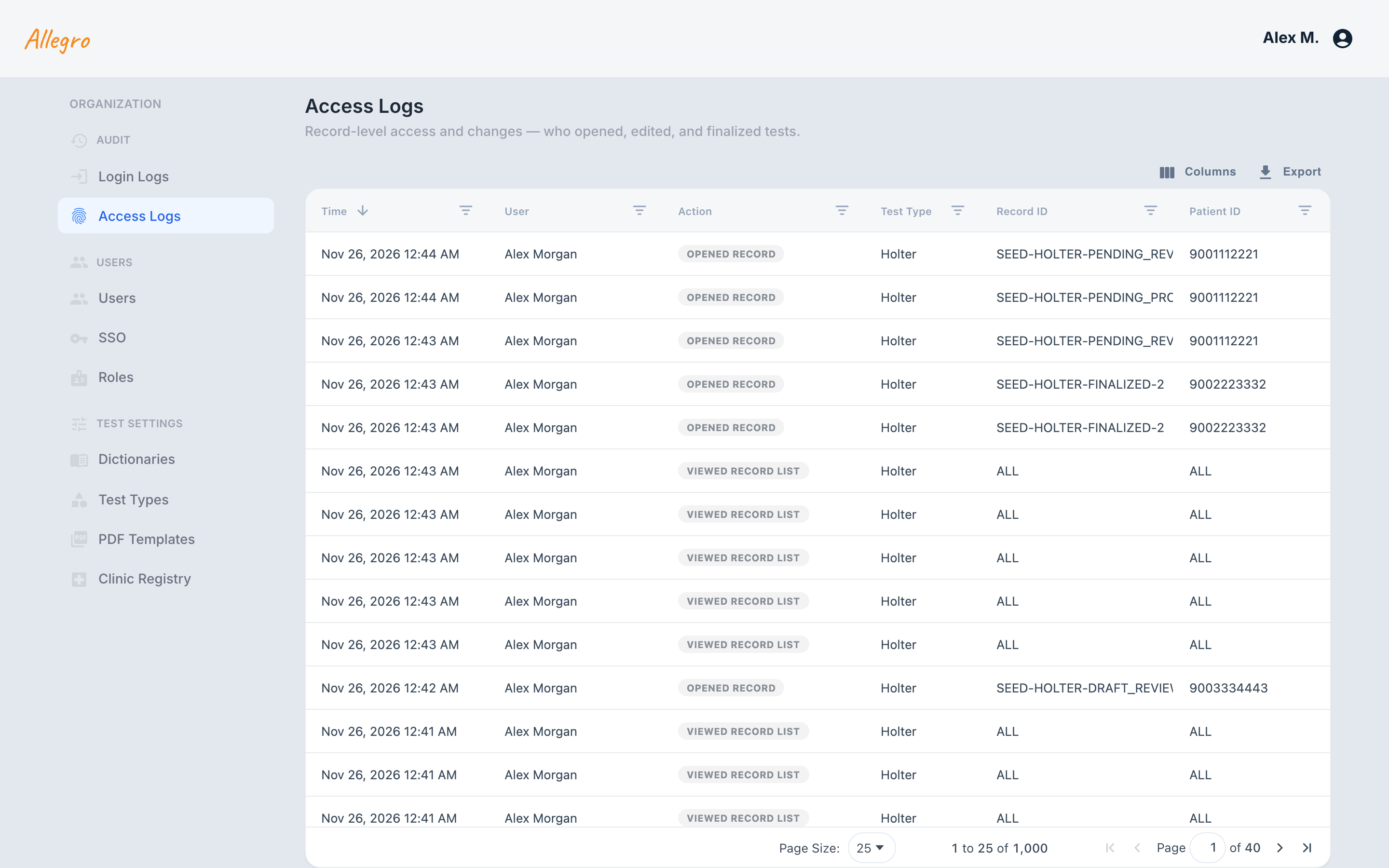
| Column | Shows |
|---|---|
| Time | When it happened. |
| User | Who did it. |
| Action | What they did. See the list below. |
| Test Type | ECG, Holter, etc. |
| Record ID | The test’s ID (ALL for a list view). |
| Patient ID | The patient’s PHN (ALL for a list view). |
| Fields Changed | For edits: which fields changed. |
Actions you’ll see
Section titled “Actions you’ll see”| Action | Means |
|---|---|
| Opened record | Opened a test |
| Viewed record list | Opened a test list (Record ID and Patient ID show ALL) |
| Edit | Changed a prepared test |
| Prepare | Finished preparing a test |
| Draft save | Saved a draft review |
| Finalize | Signed a test and sent it to the EMR |
| Edit demographics | Changed patient details |
| Make correction post review | Corrected a finalized test |
| Discard post review correction | Threw away a pending correction |
| Abandon | Abandoned a test |
| Create / Edit / Archive / Unarchive clinic | Changes in the Clinic registry |
Who looked at a patient’s record?
Section titled “Who looked at a patient’s record?”- Select the filter icon on Patient ID.
- Enter the patient’s PHN.
- Sort by Time.
- Select Export to keep a copy.