Claiming an unclaimed test
This page isn't usually needed for the group you picked under Viewing as. It's shown because you opened it directly.
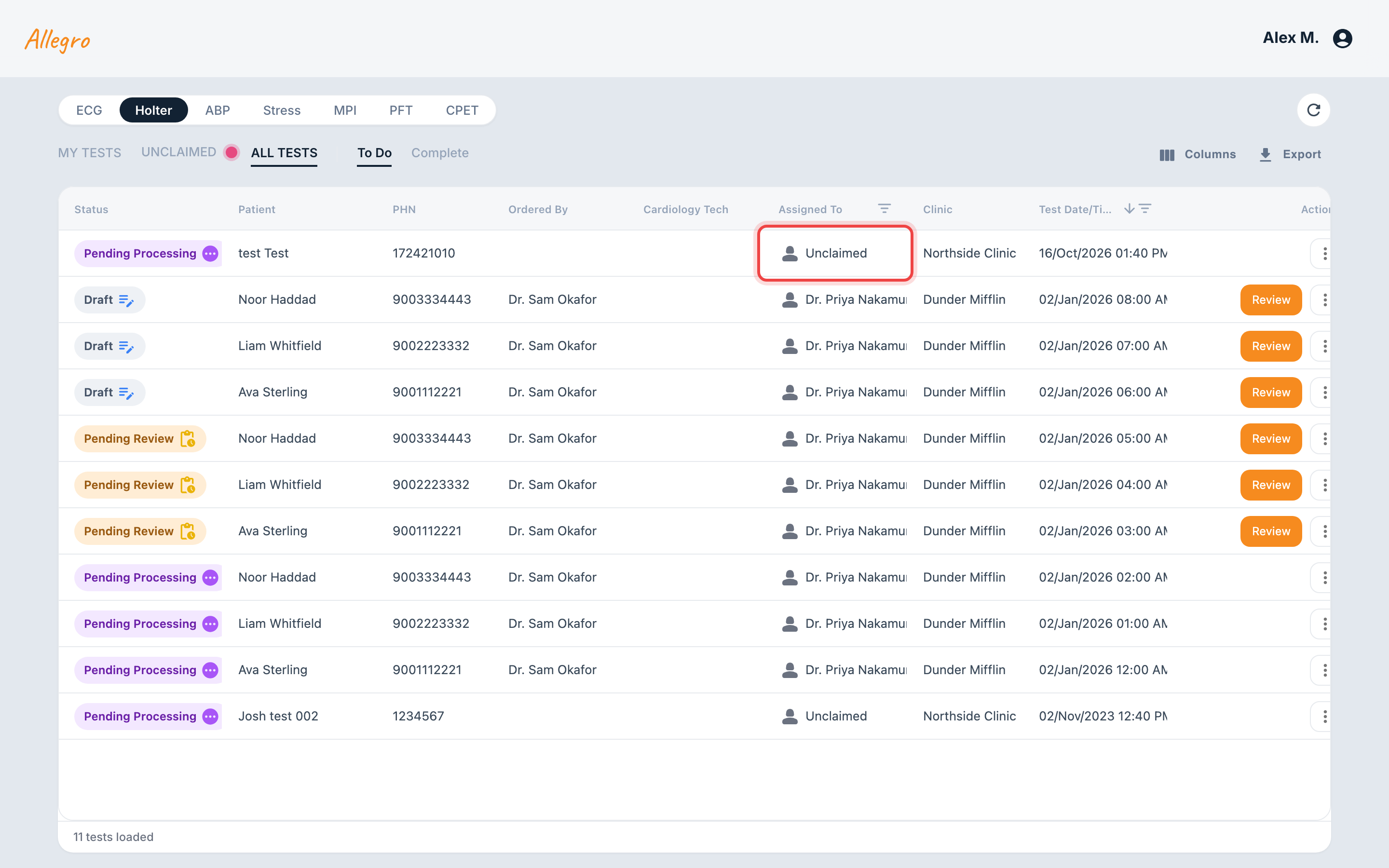
An unclaimed test has no physician assigned. It shows Unclaimed in the Assigned To column.
Claim it
Section titled “Claim it”-
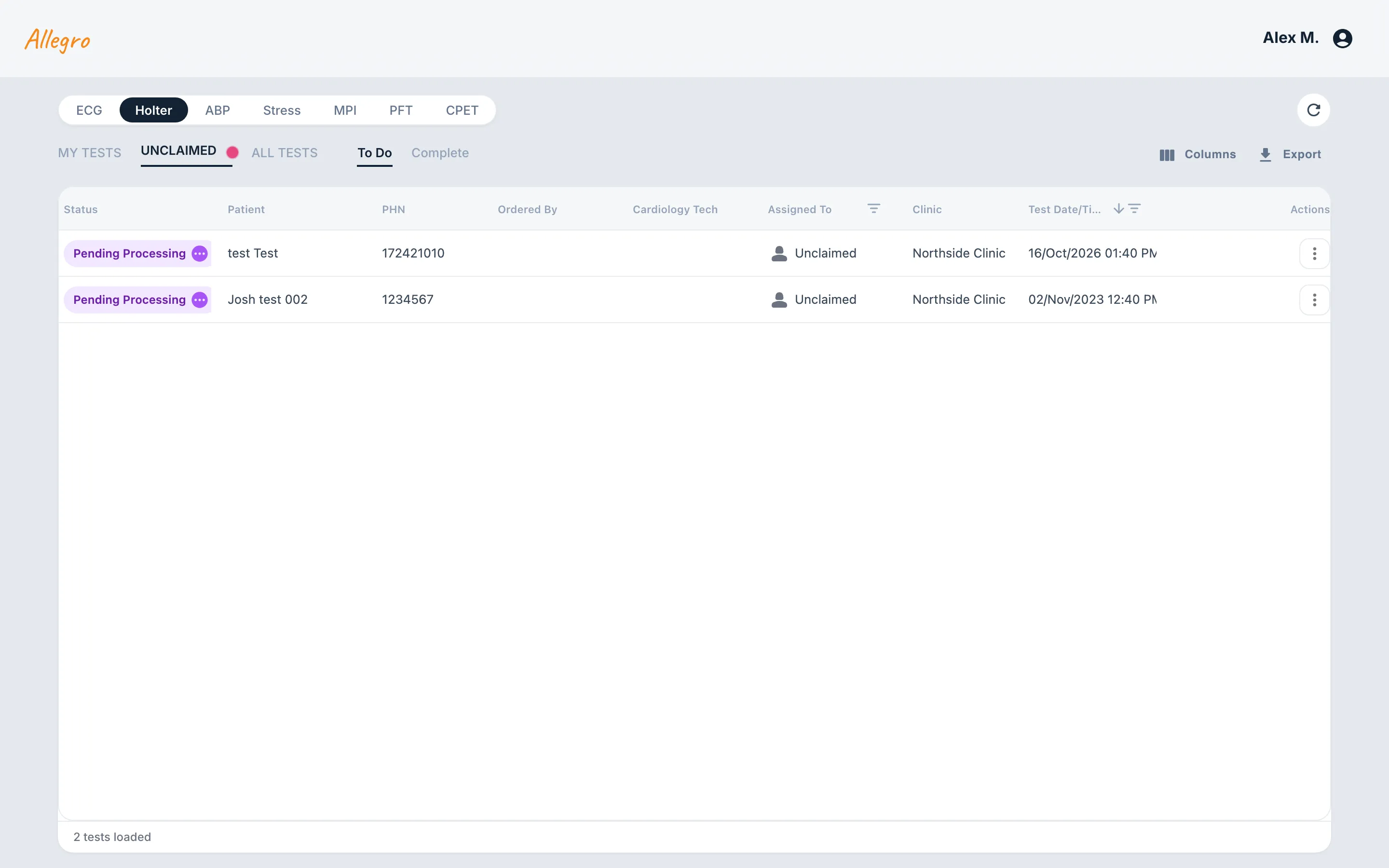
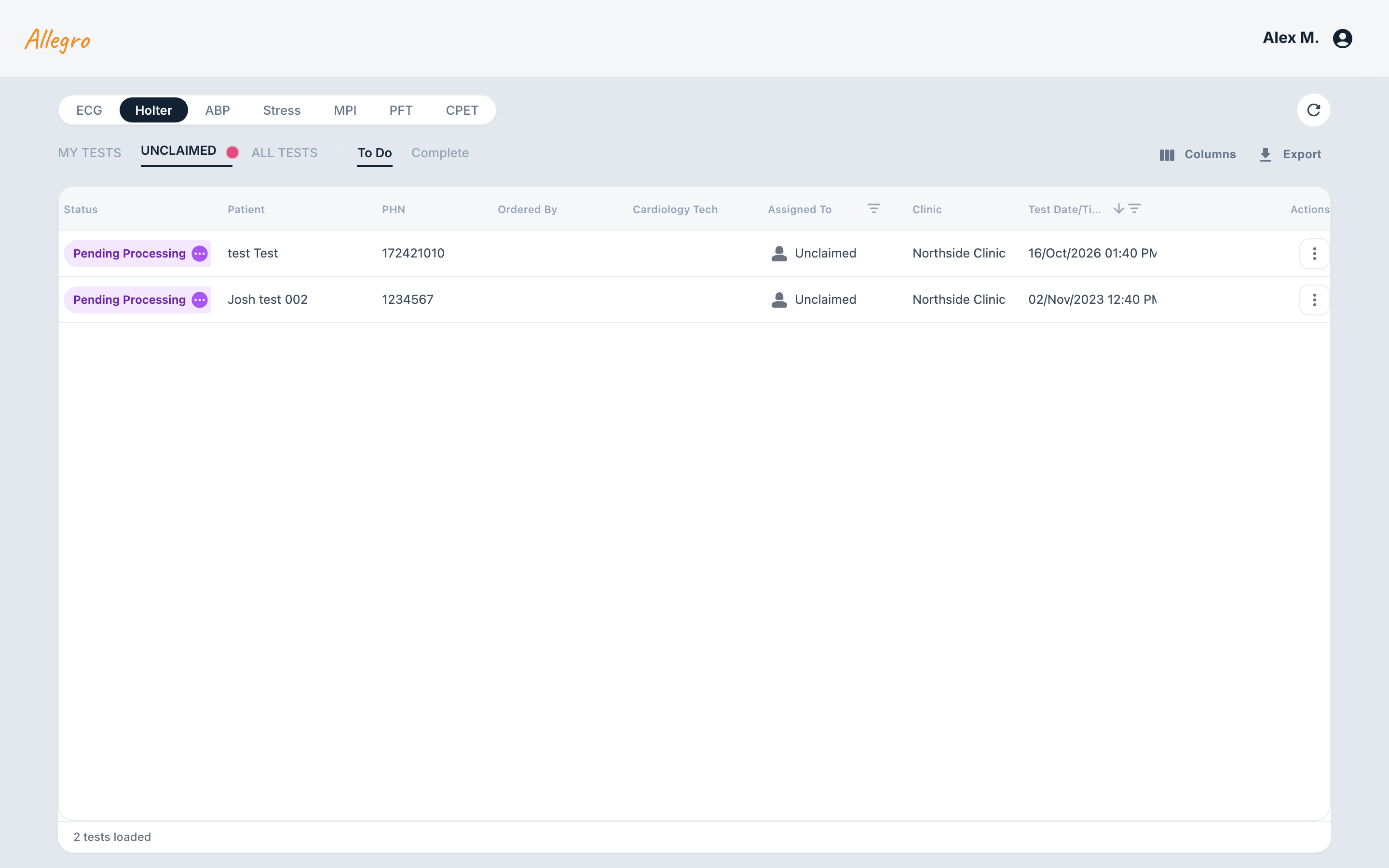
Open the test list and select the UNCLAIMED tab.
The UNCLAIMED tab -
Select Review on the test you want.
-
Start your interpretation.
-
Select Draft Save (bottom-left).
-
The test is now assigned to you and appears in MY TESTS.
Assign it to someone else instead
Section titled “Assign it to someone else instead”Clinic staff can assign a test to any physician. See Reassigning a test.