Dictionaries
This page isn't usually needed for the group you picked under Viewing as. It's shown because you opened it directly.
Dictionaries are the ready-made options people choose from on tests: indications, medications, study quality, conclusions, recommendations, technologist names and more.
Pick a group
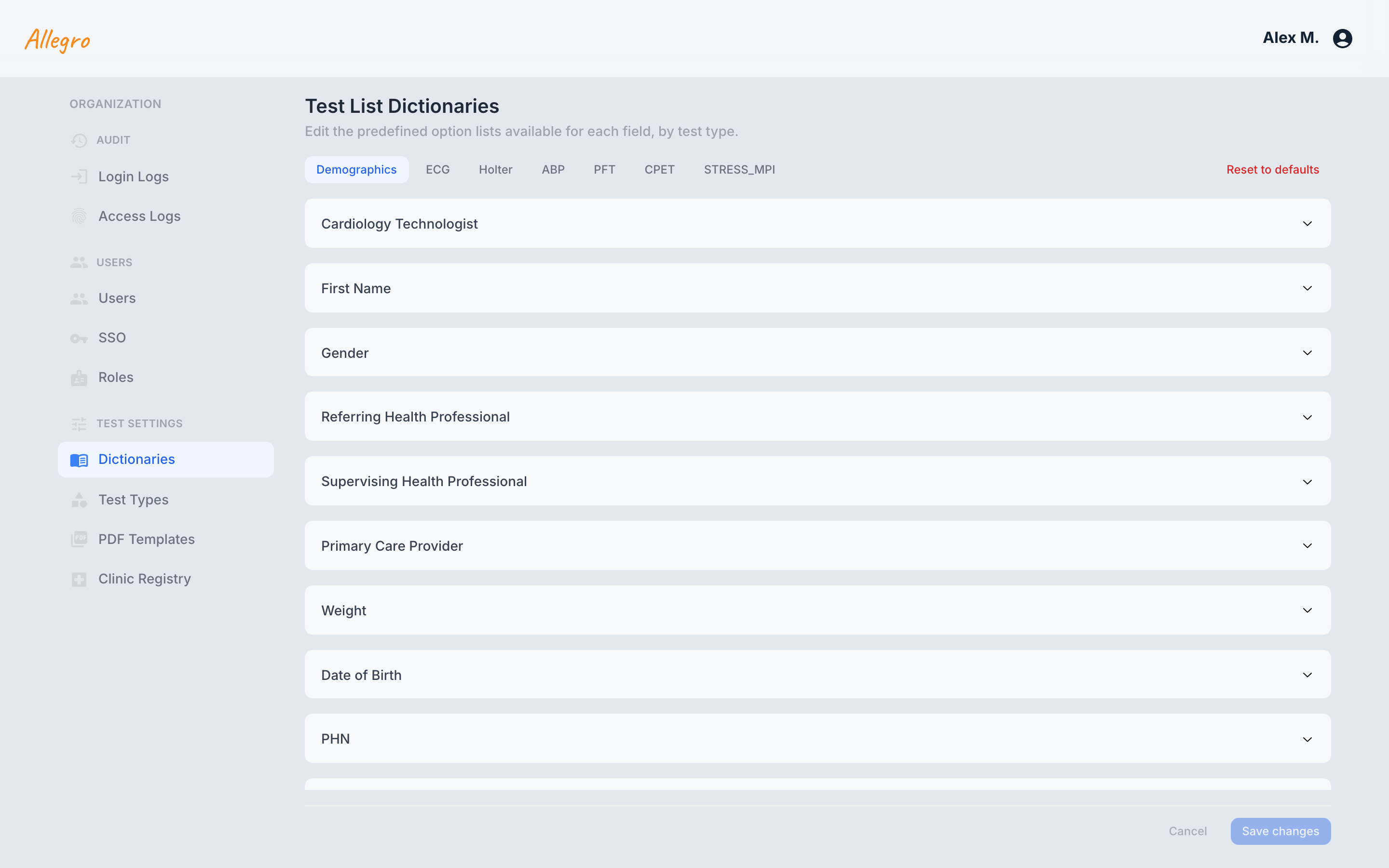
Section titled “Pick a group”The tabs at the top group the lists:
- Demographics: fields shared by every test type (technologists, referring doctors…)
- ECG, Holter, ABP, PFT, CPET, STRESS_MPI: fields for that test type
Edit a list
Section titled “Edit a list”-
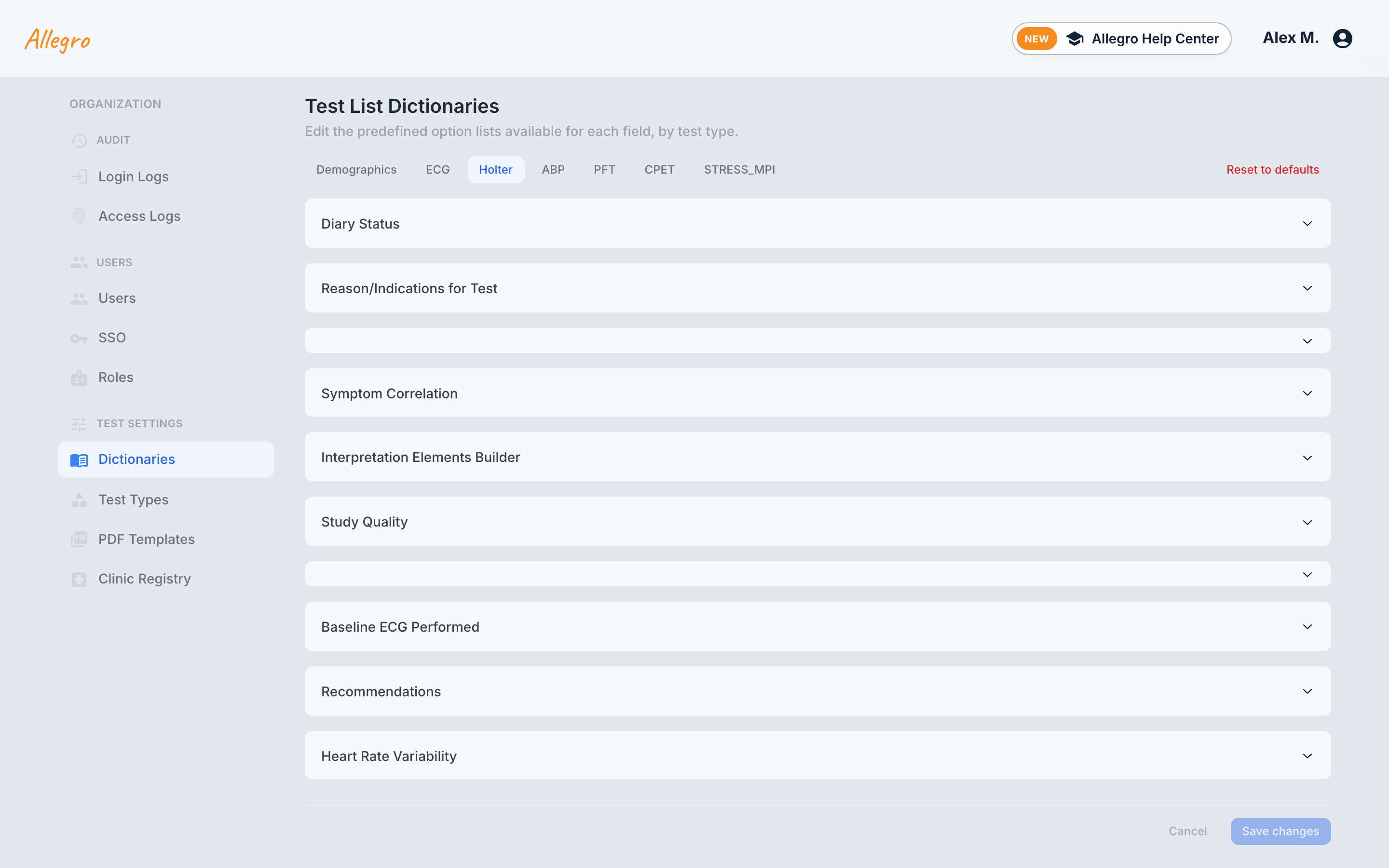
Select the tab for the test type.
-
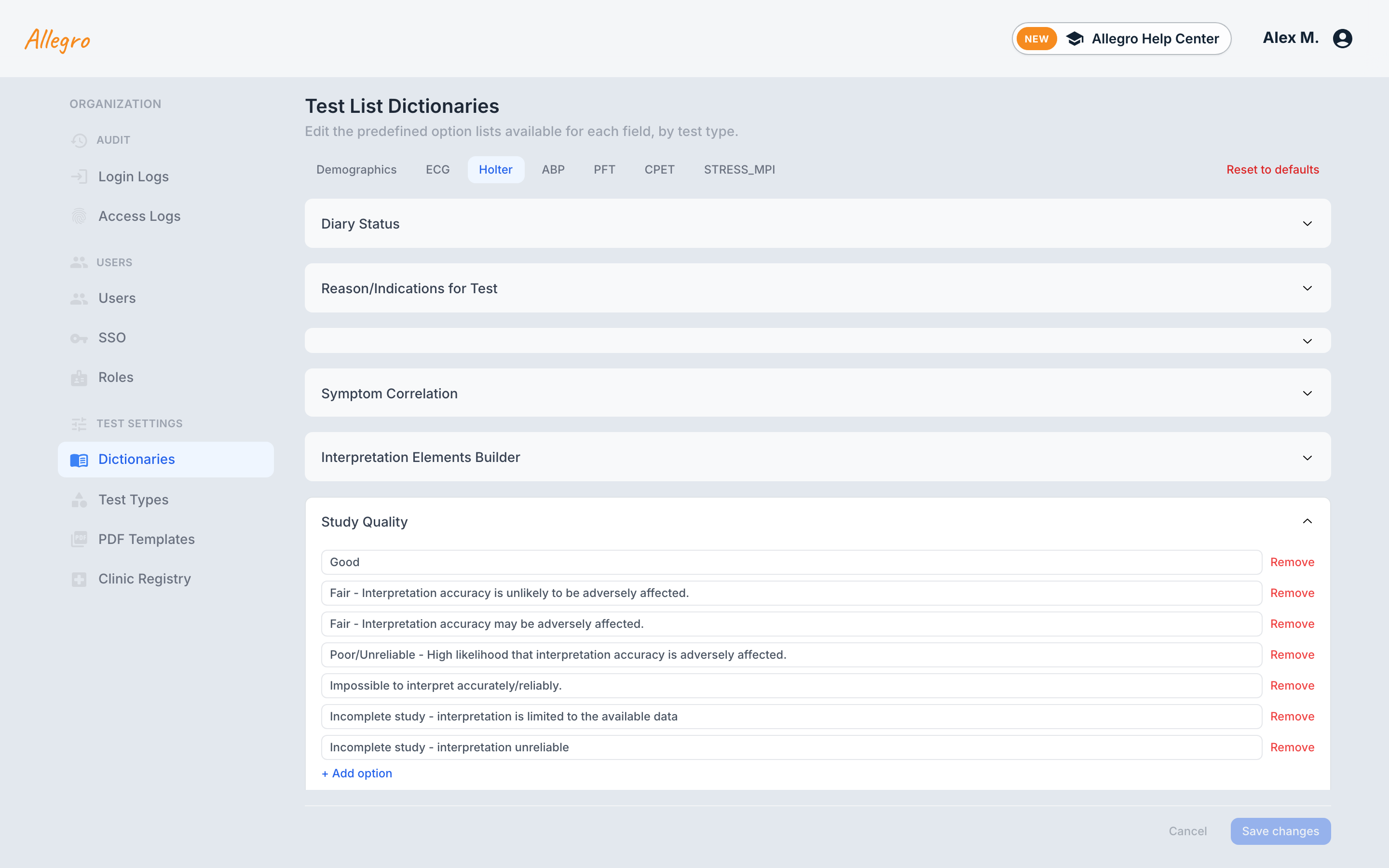
Select the field you want, for example Study Quality. It expands to show its options.
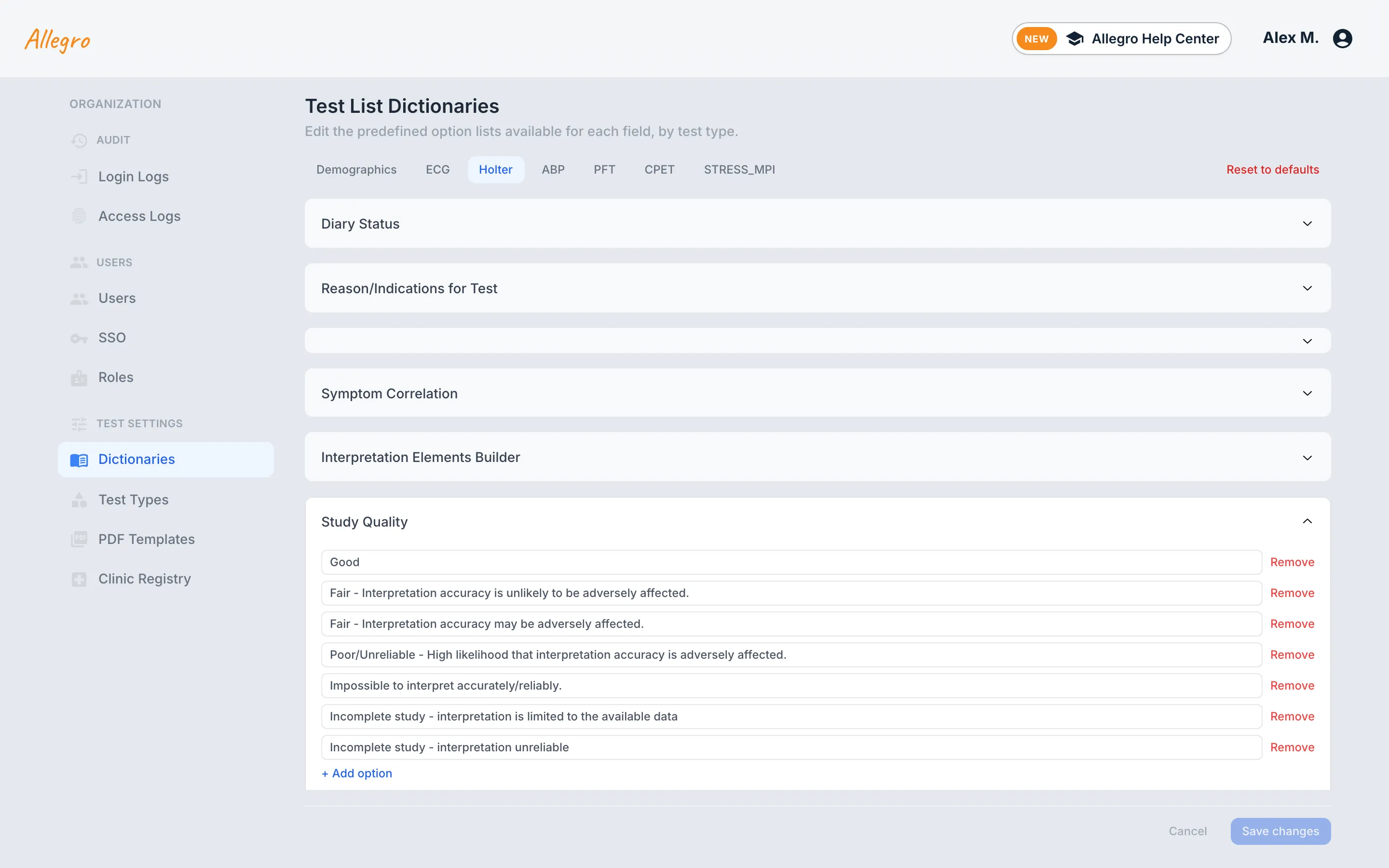
A field opened for editing -
Add an option by typing it and pressing Enter. Remove one with its ×. Drag to reorder where that’s offered.
-
Select Save changes at the bottom-right. Cancel throws away your changes.
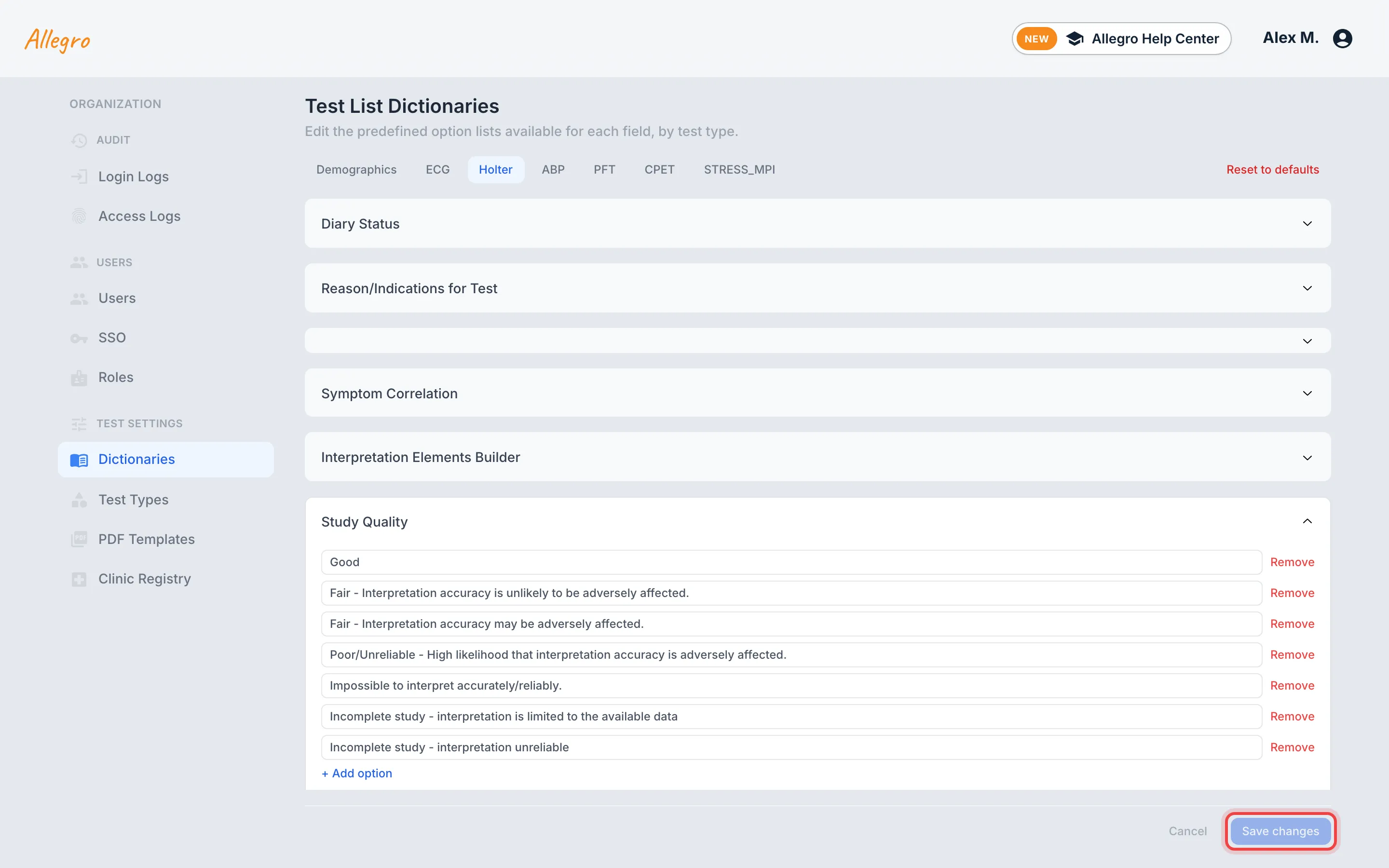
Save changes
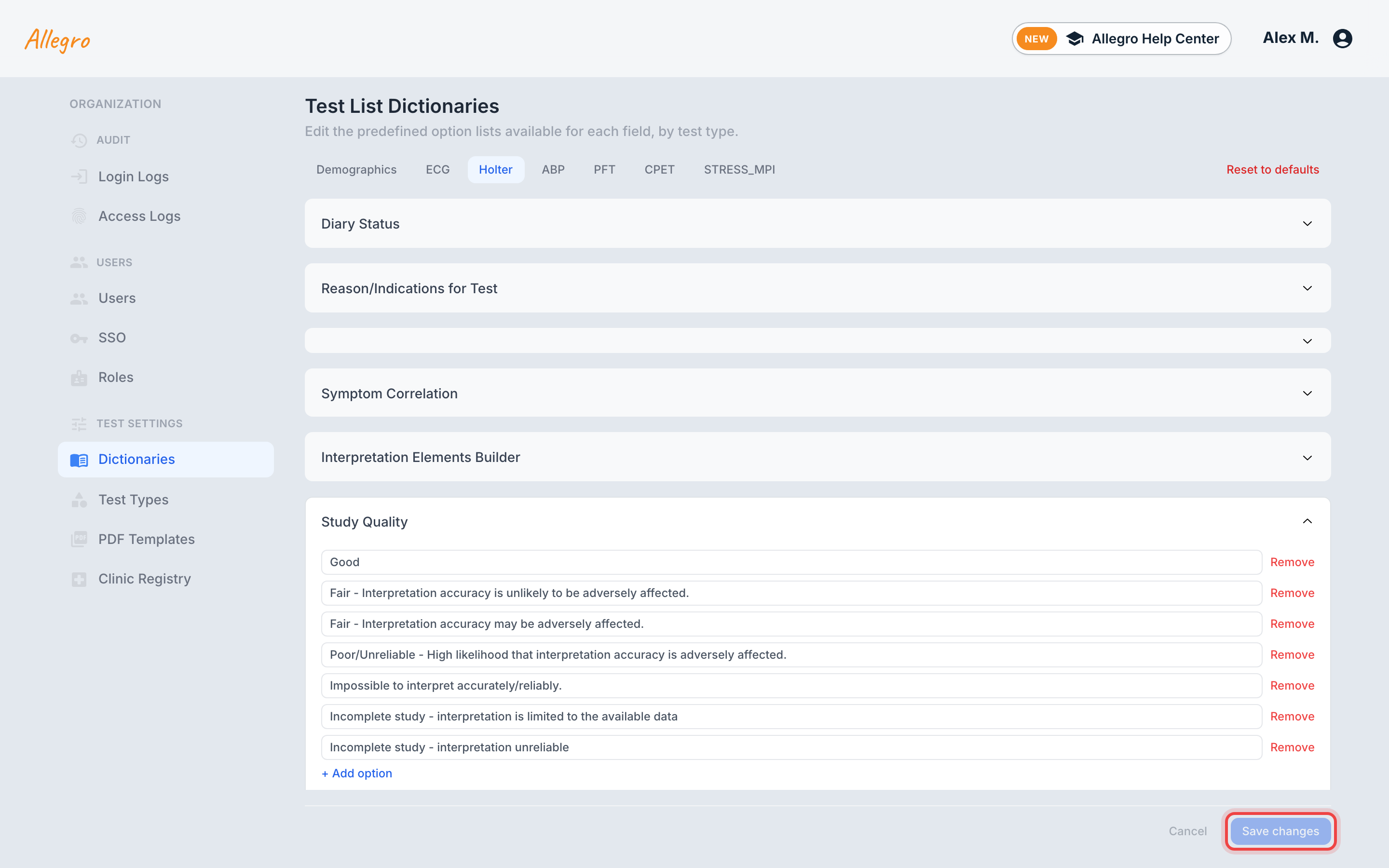
Changes appear the next time someone opens a test.
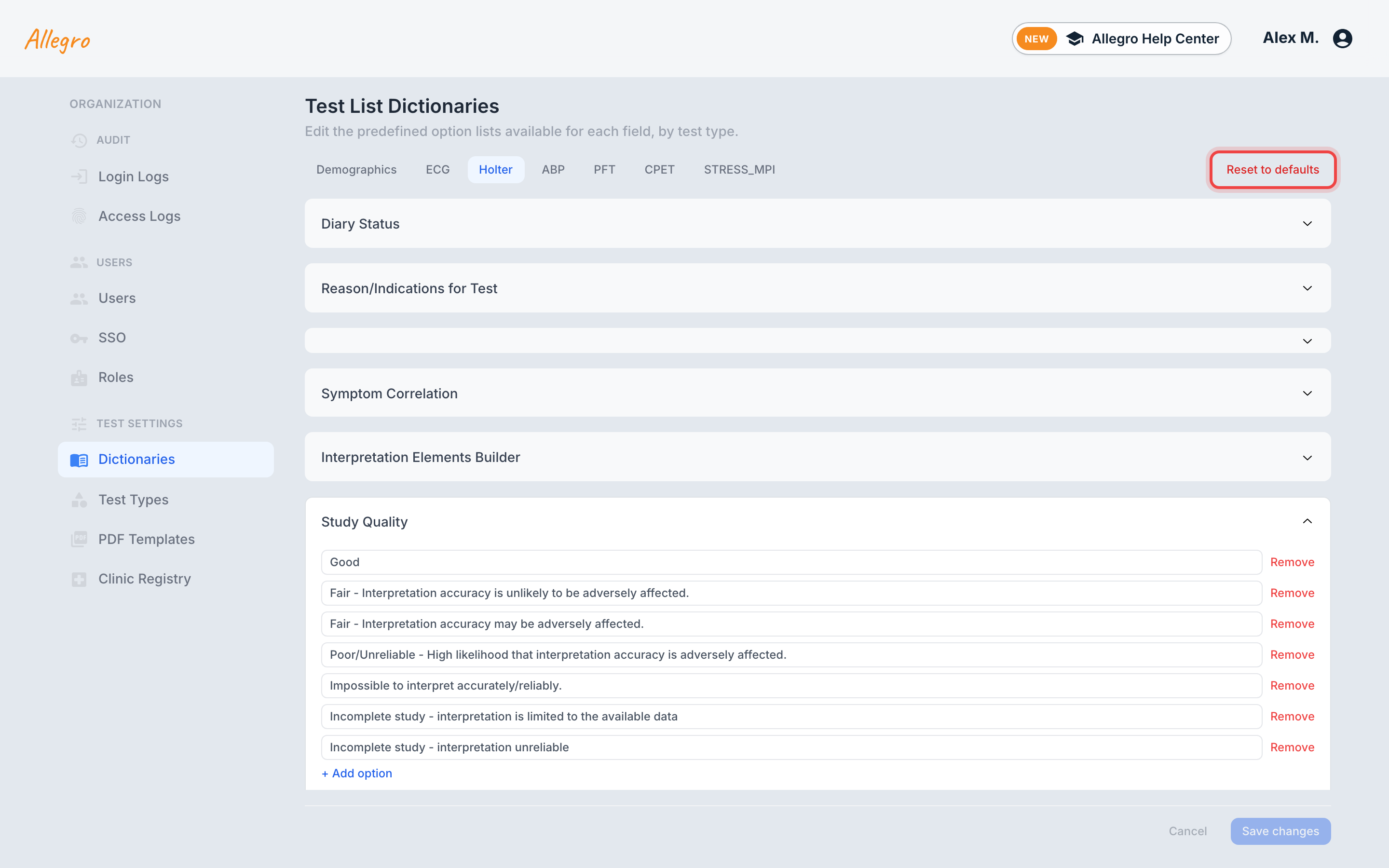
Reset to defaults
Section titled “Reset to defaults”Reset to defaults (top-right, red) puts every list on this tab back to Allegro’s original options.