Roles
This page isn't usually needed for the group you picked under Viewing as. It's shown because you opened it directly.
Organization Settings → Roles lists every role available in your organization and how many people hold each one.
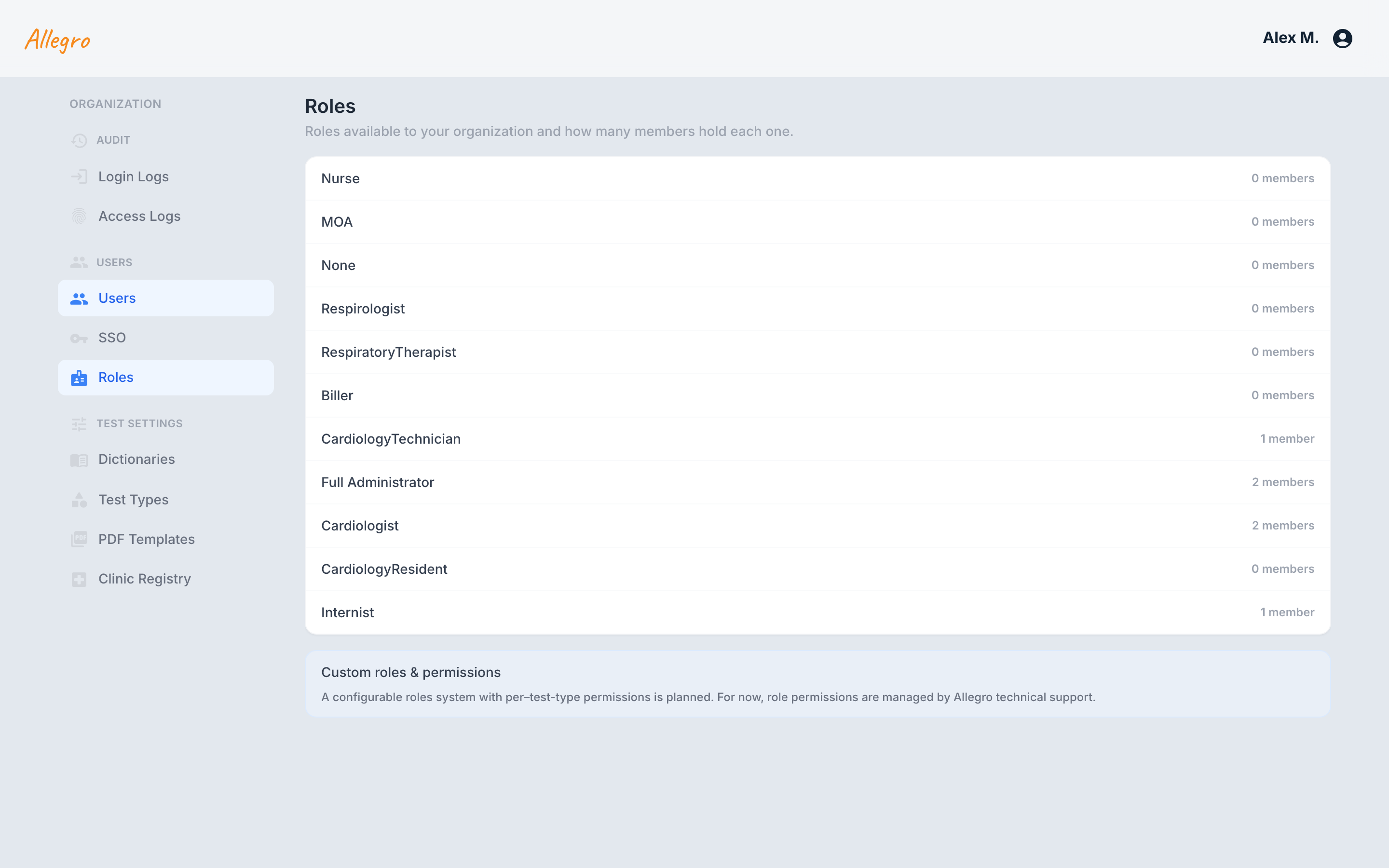
Built-in roles
Section titled “Built-in roles”| Role | For |
|---|---|
| Cardiologist, Internist | Physicians who review and finalize |
| CardiologyResident | Residents who draft (a staff physician finalizes) |
| Respirologist | Lung specialists who view reports |
| CardiologyTechnician | Technologists who prepare tests |
| RespiratoryTherapist | Respiratory therapists |
| MOA, Nurse | Front desk and clinic staff |
| Biller | Billing office |
| Full Administrator | Organization Settings access |
| None | No access to tests (for example, a new user waiting for a role) |
Full details: Who can do what and Permissions reference.
Custom roles
Section titled “Custom roles”Custom roles with your own per-test-type permissions are planned. For now, Allegro technical support manages role permissions. Contact them if a role needs to change.
To give someone a role, see Changing a user’s roles.