The home screen
This page isn't usually needed for the group you picked under Viewing as. It's shown because you opened it directly.
The home screen is the first thing you see after signing in. You can always get back to it by selecting the Allegro logo in the top-left corner.
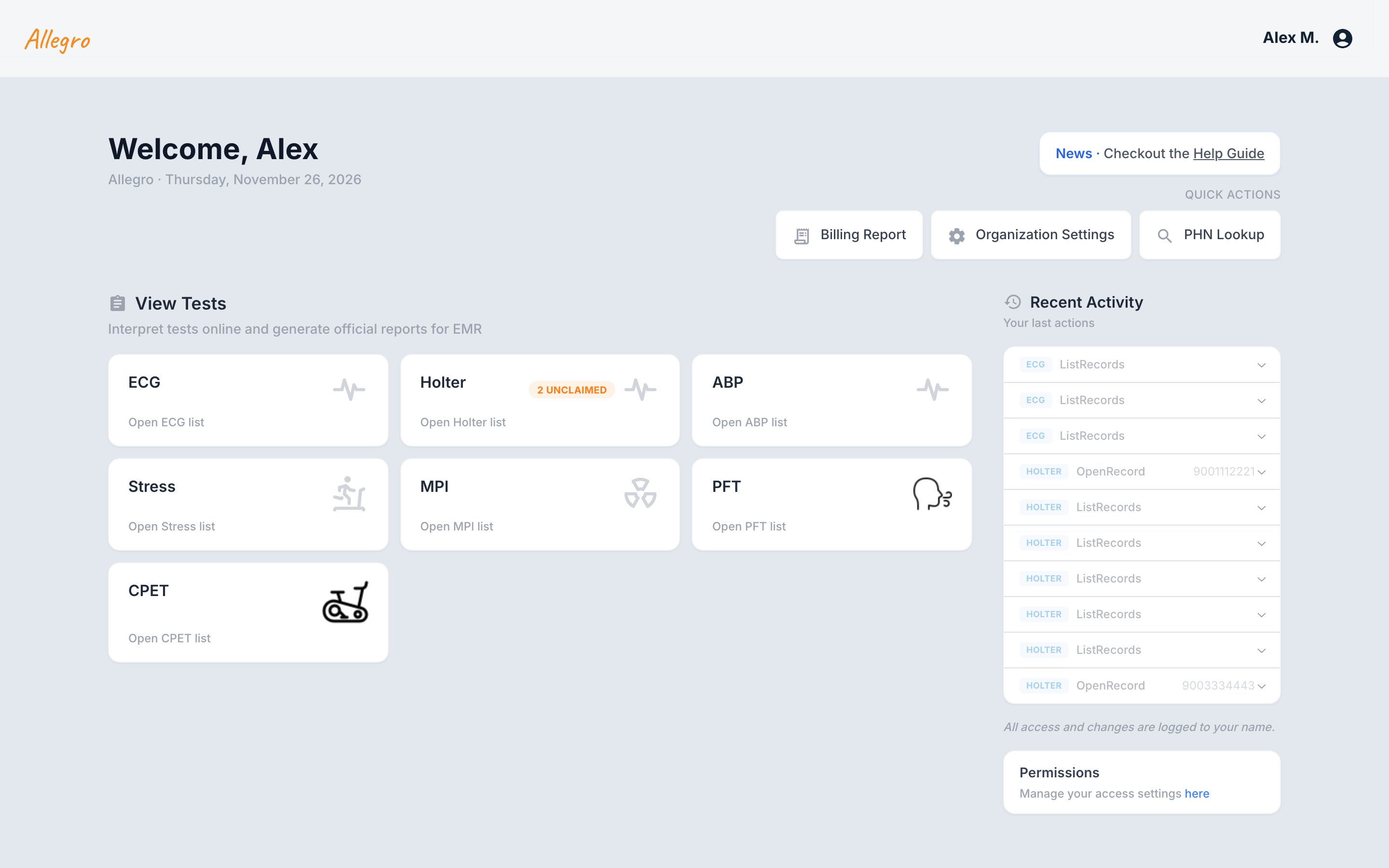
View Tests
Section titled “View Tests”One card for each test type your clinic uses: ECG, Holter, ABP, Stress, MPI, PFT, CPET. Select a card to open that test list.
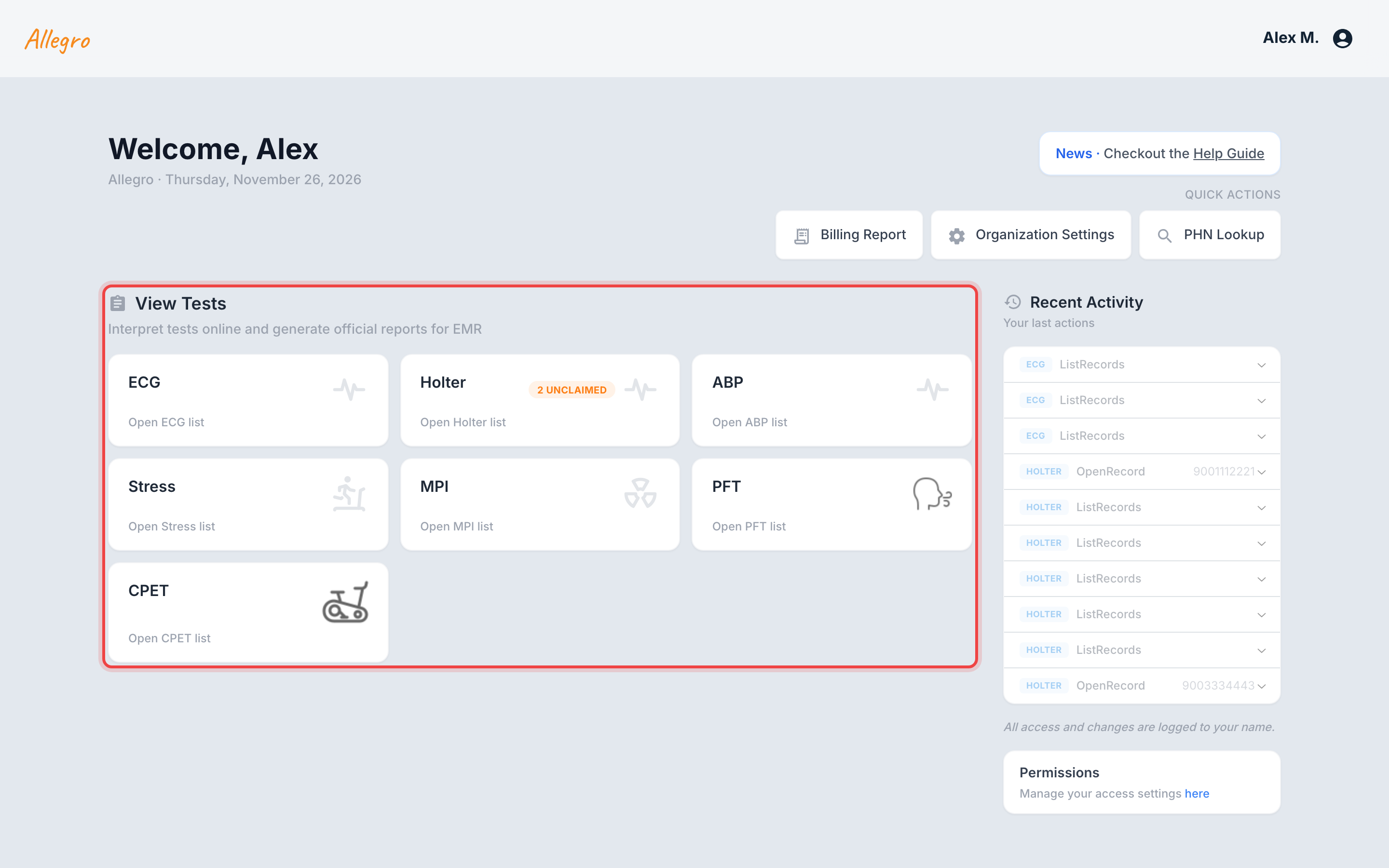
Cards can show small badges:
- “N for you” (blue): tests assigned to you that still need your review. Physicians only.
- “N unclaimed” (orange): tests nobody has been assigned to yet.
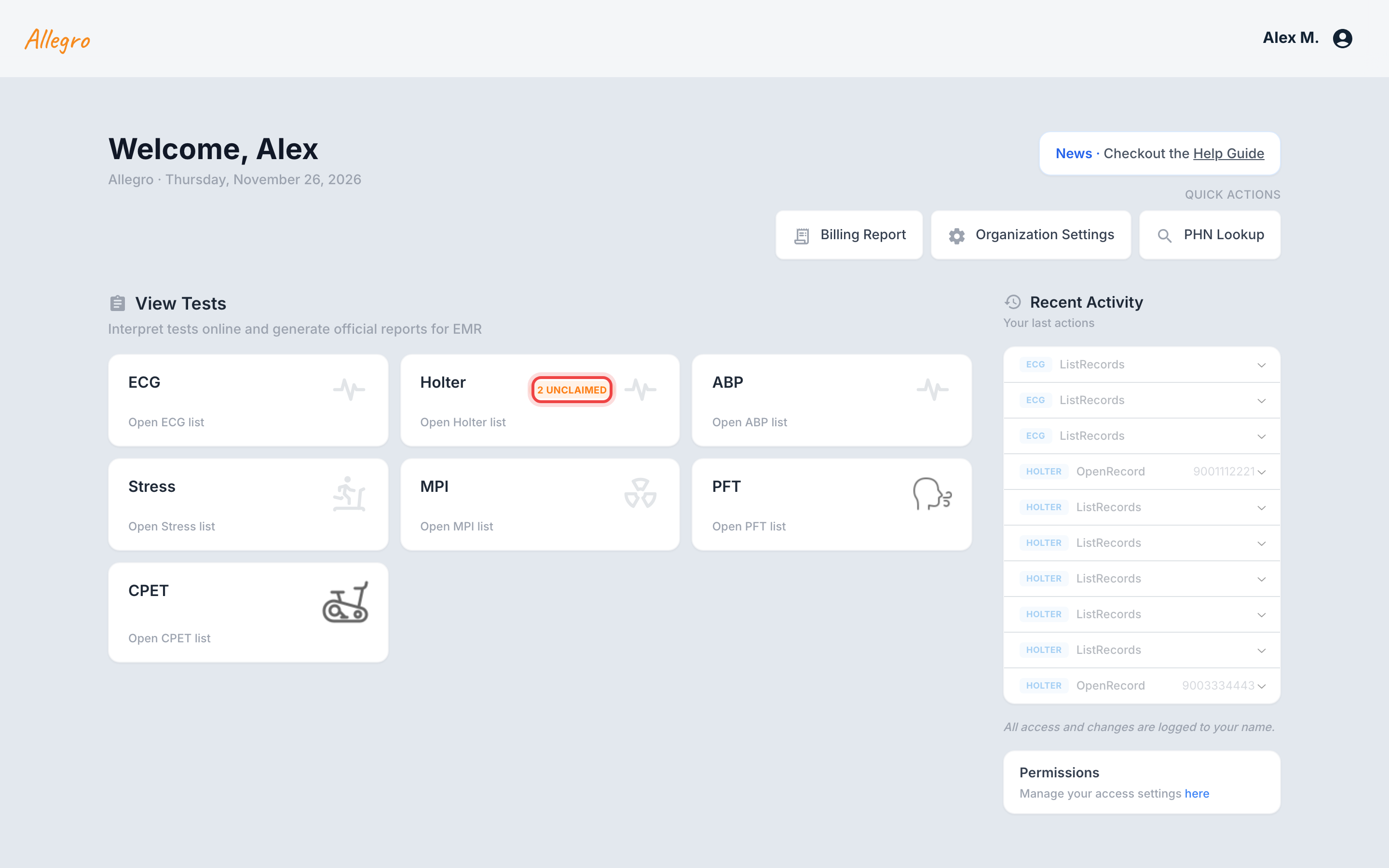
Prepare Tests
Section titled “Prepare Tests”Technologists and therapists only. One card per test type that needs preparing (for example Prepare Holter). See Preparing a test.
ECG, PFT and CPET don’t appear here. Those tests arrive in Allegro automatically, already prepared.
Quick Actions
Section titled “Quick Actions”Shortcuts in the top-right. You’ll only see the ones you’re allowed to use:
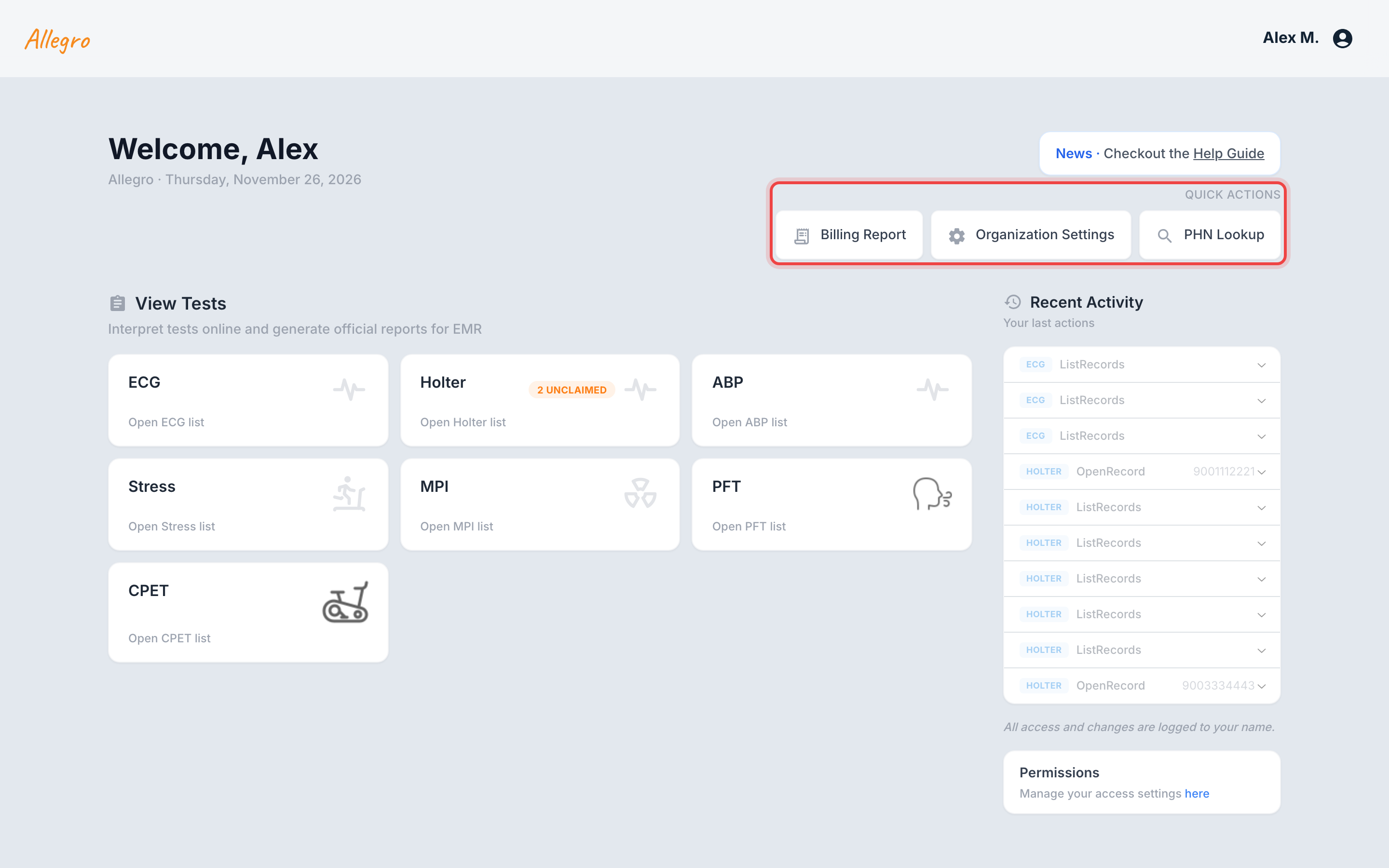
| Button | What it does |
|---|---|
| Upload Day List | Load today’s booked patients. Guide |
| Billing Report | Build and export billing. Guide |
| Organization Settings | Users, roles, templates and logs. Guide |
| PHN Lookup | Find every test for one patient. Guide |
Recent Activity
Section titled “Recent Activity”The right-hand column lists your own last actions: opening a test, listing records, finalizing, and so on. Select a row to see more detail.
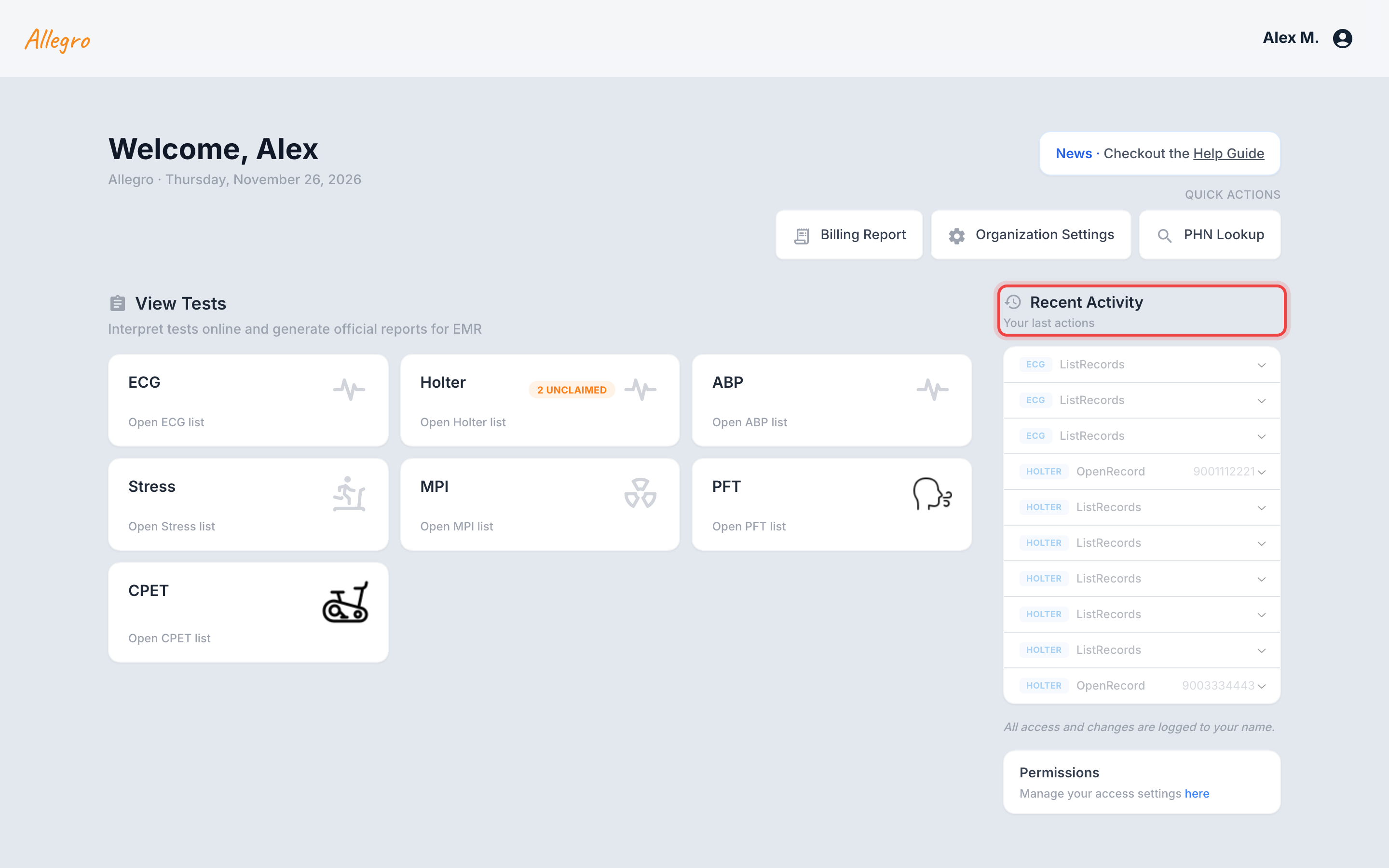
All access and changes are logged to your name. Every action in Allegro is recorded for privacy and auditing.
News and Help Guide
Section titled “News and Help Guide”The News box at the top links to the built-in Help Guide, a quick summary of statuses and buttons inside the app.