PHN lookup
This page isn't usually needed for the group you picked under Viewing as. It's shown because you opened it directly.
PHN Lookup shows every test for one patient, across all test types, in one list.
-
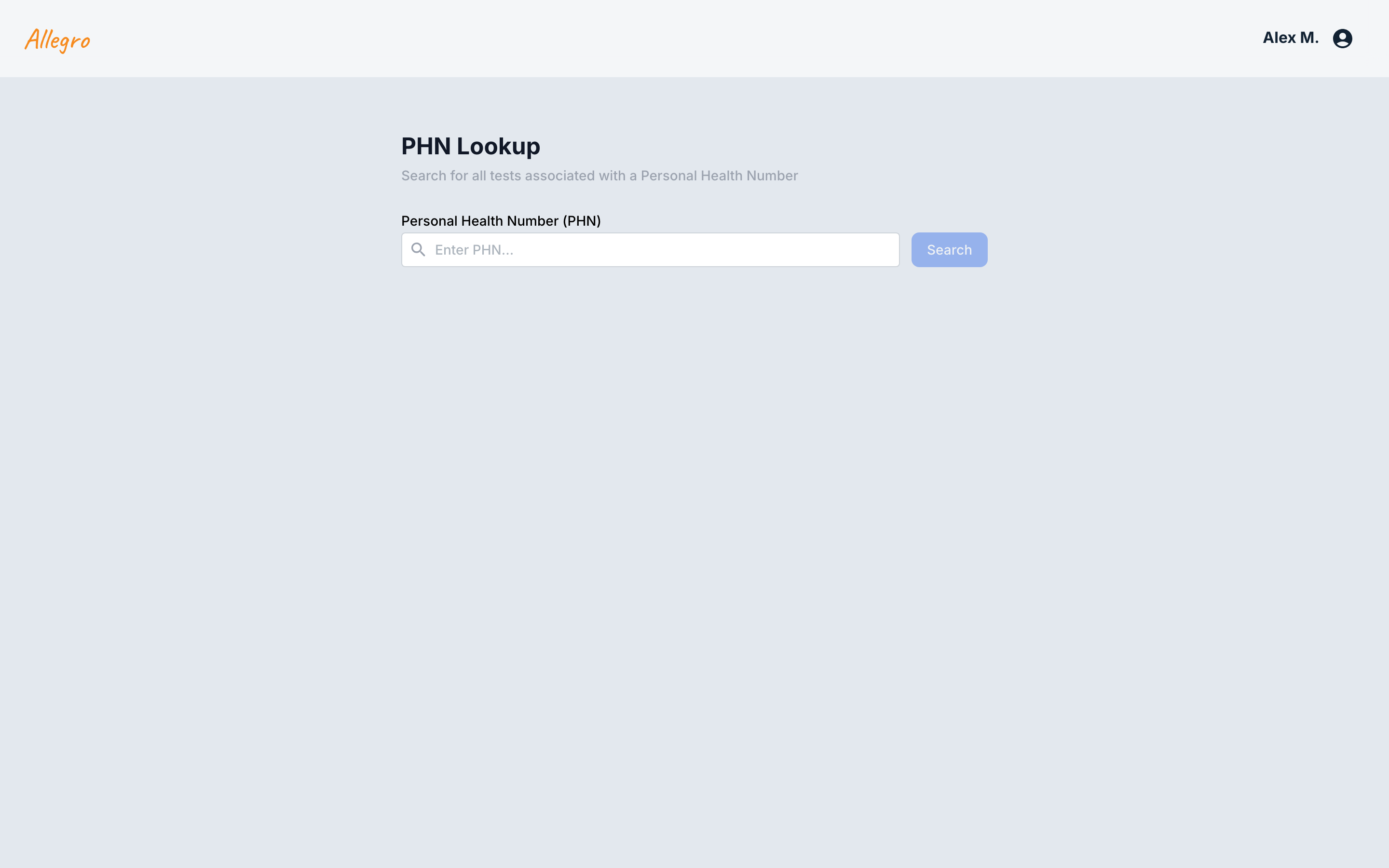
On the home screen, under Quick Actions, select PHN Lookup.
-
Type the patient’s Personal Health Number (PHN).
-
Select Search (or press Enter).
-
Allegro shows Found N tests for PHN …, newest first.
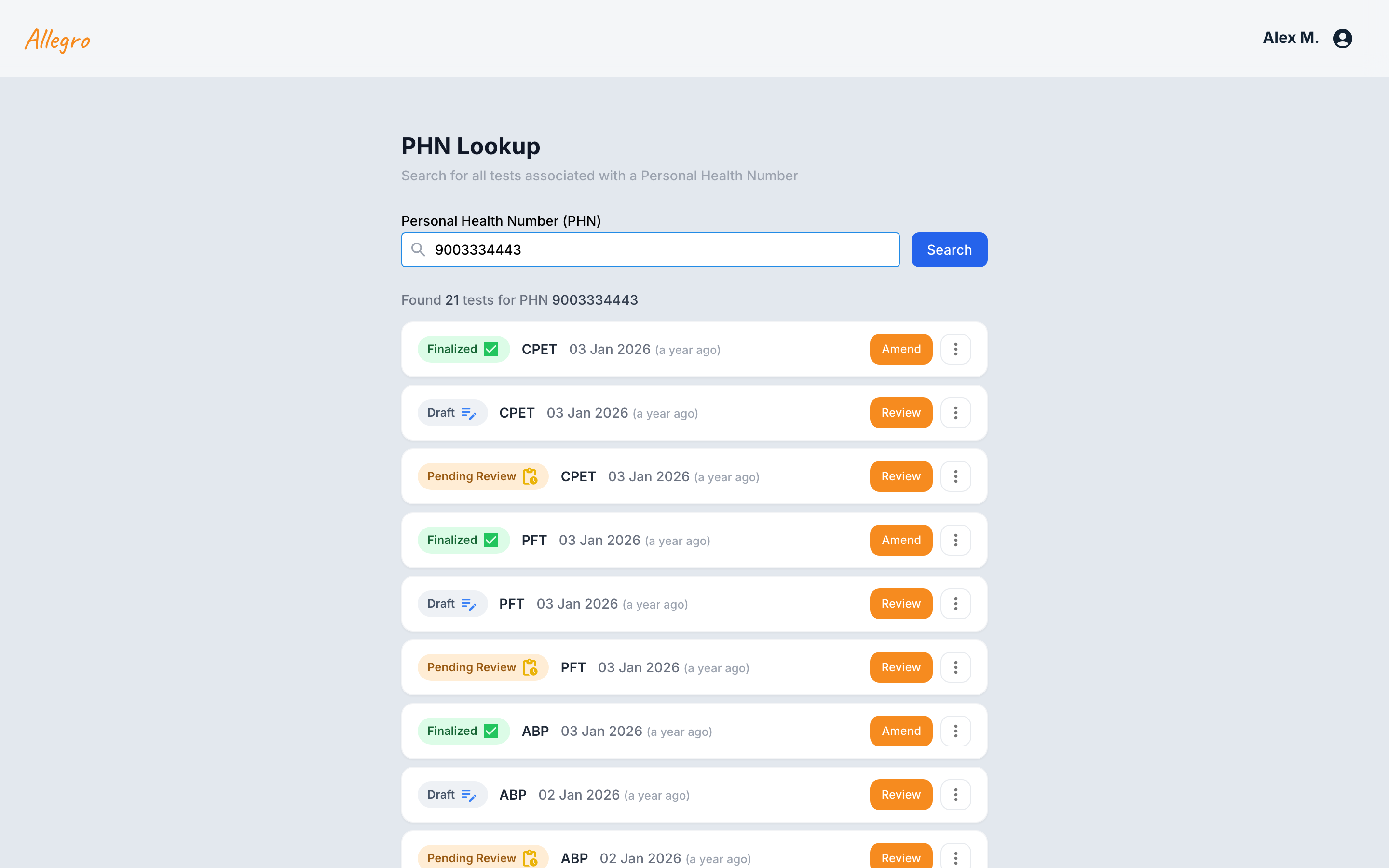
Each result shows the status, test type and date, plus the same action buttons as the test list (Review, Amend, ⋮ and so on).
From inside a test
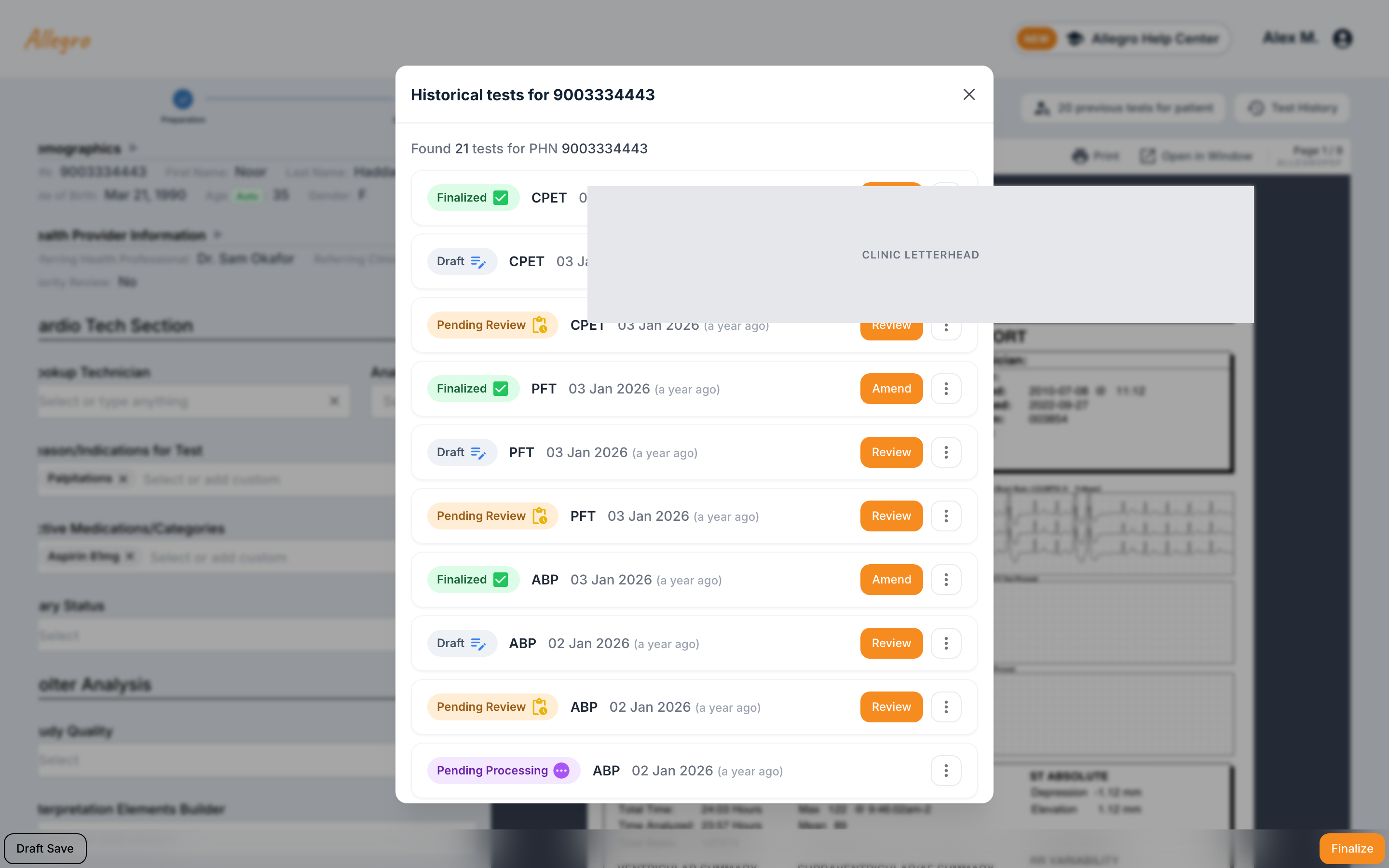
Section titled “From inside a test”When you have a test open, select N previous tests for patient at the top to see the same list in a pop-up.