First-time setup checklist
This page isn't usually needed for the group you picked under Viewing as. It's shown because you opened it directly.
Welcome! You’re the administrator for your organization’s Allegro. Work through this list in order. Each step links to a full guide.
-
Sign in for the first time. Use your invitation email, or your work account if your organization uses single sign-on. Your first sign-in
-
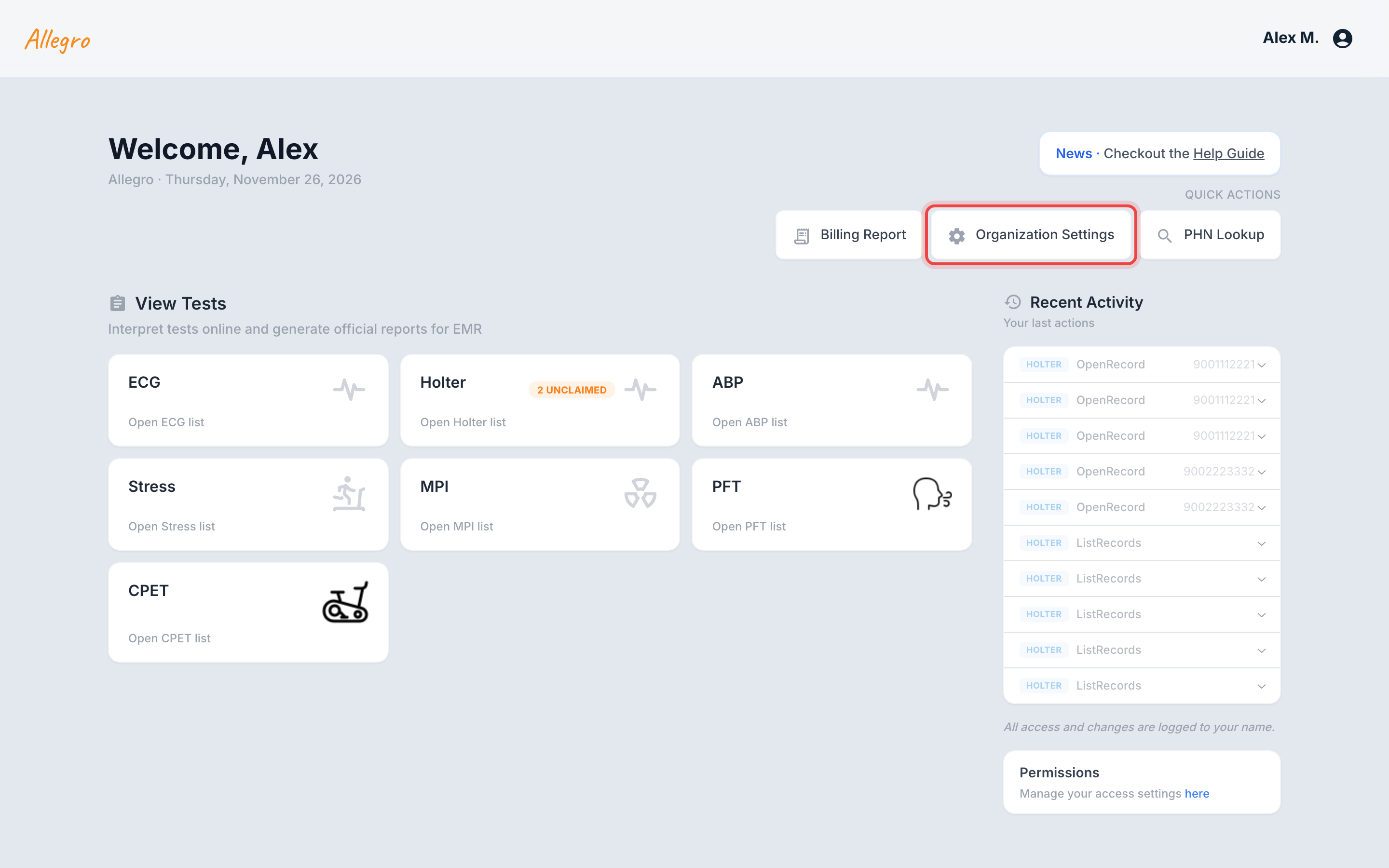
Open Organization Settings. On the home screen, select Organization Settings under Quick Actions. Organization settings
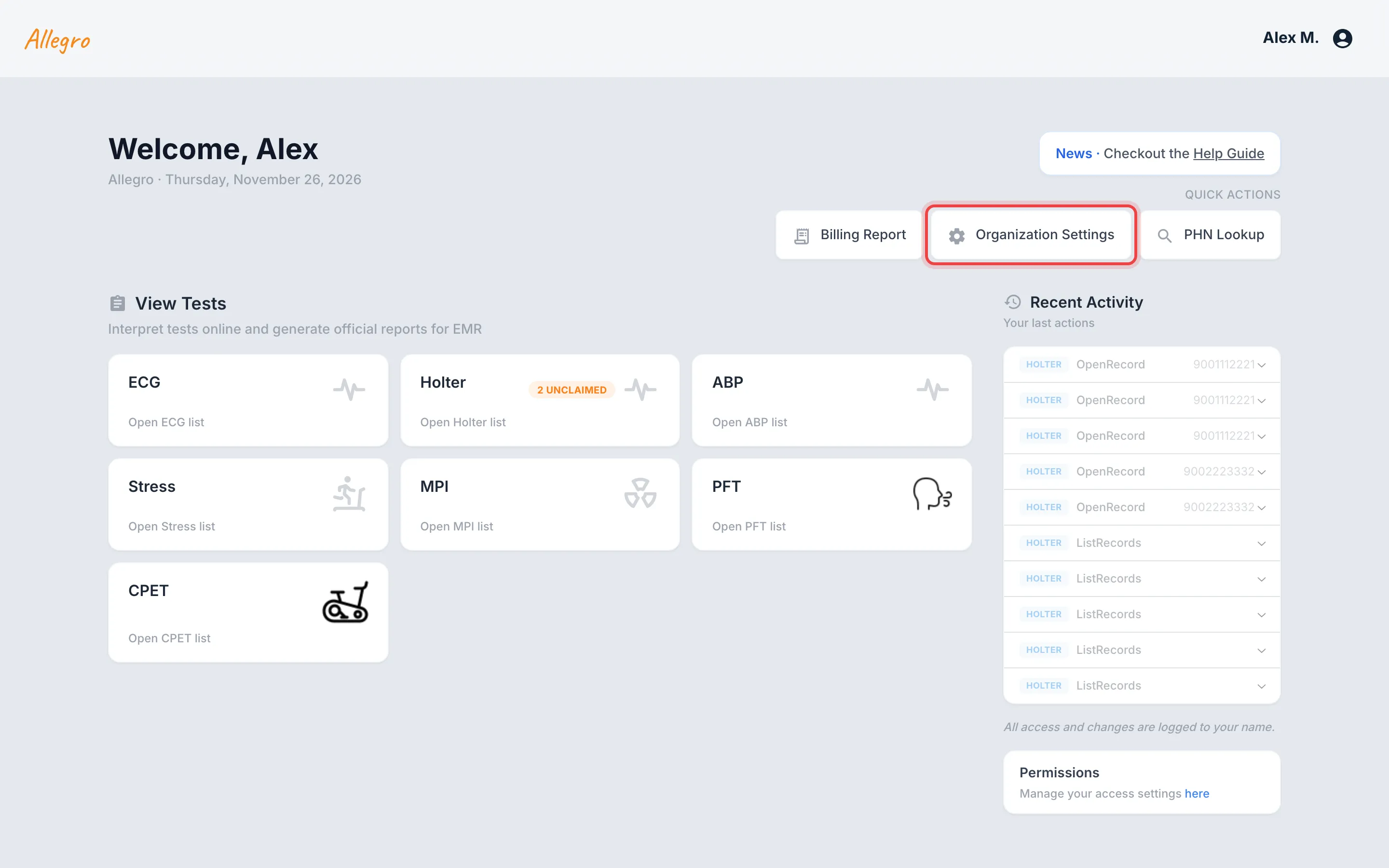
Organization Settings on the home screen -
Check how people sign in. Open SSO to see whether single sign-on is on. This decides how you add users in the next step. Single sign-on
-
Add your team.
- With SSO: tell people to sign in. Their accounts are created automatically.
- Without SSO: select Add user for each person. They get an email with a temporary password.
-
Give everyone the right role. Physicians, technologists and front-desk staff each need a role. Changing a user’s roles
-
Check which test types are on. Test types
-
Add your referring clinics and their fax numbers. Clinic registry
-
Review the pick-list phrases physicians and technologists will use. Dictionaries
-
Choose the report template for each test type, and add your logo. PDF templates
-
Do a test run. Ask a technologist and a physician to prepare and finalize one test together, then check the report in your EMR.