Abandoning a test
This page isn't usually needed for the group you picked under Viewing as. It's shown because you opened it directly.
Abandon a test when it should never be reviewed. For example:
- The recording failed or is unreadable.
- The test was uploaded twice by mistake.
- The patient withdrew.
-
Open the test list and find the test.
-
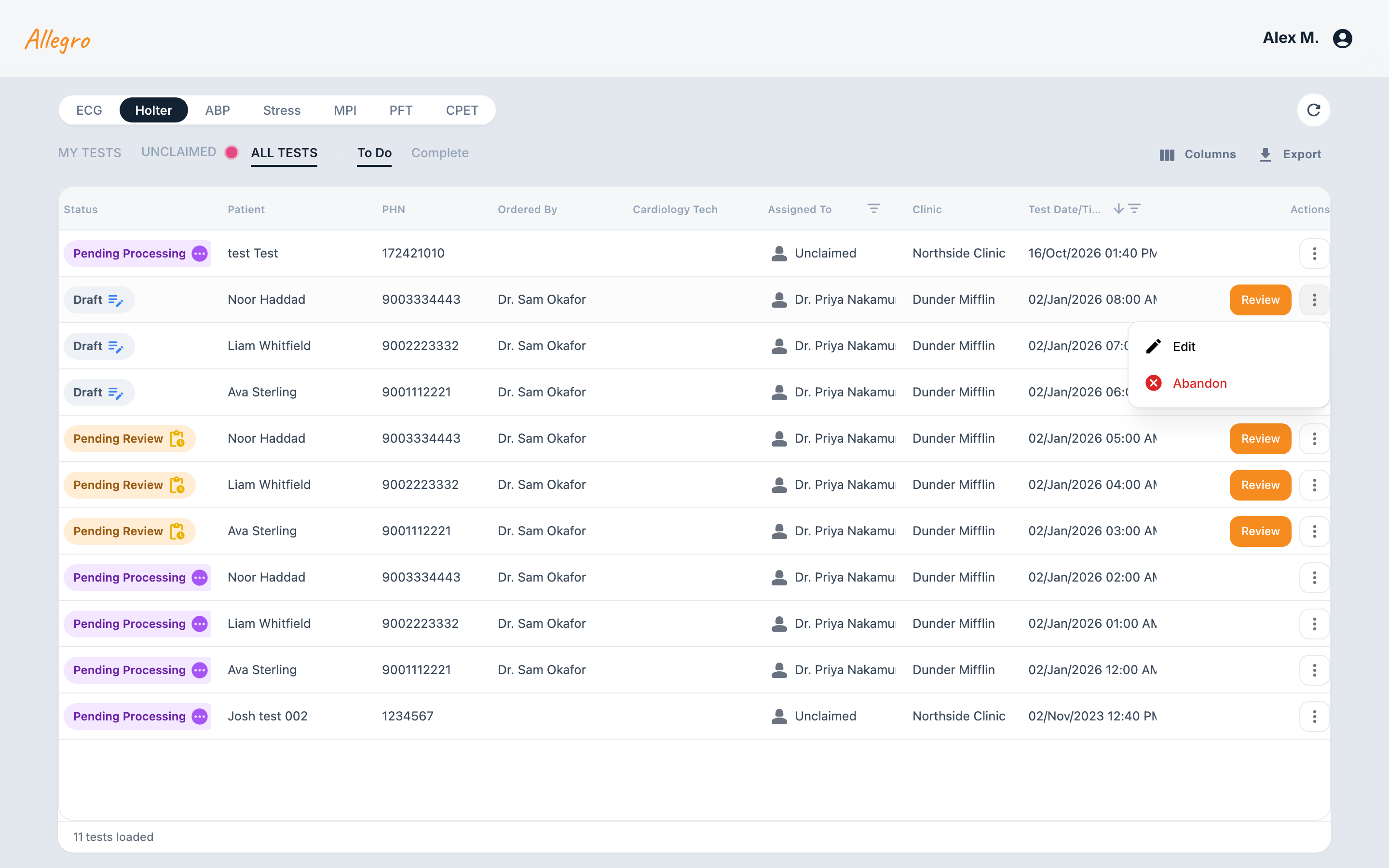
Select ⋮ (More actions) and choose Abandon (shown in red).
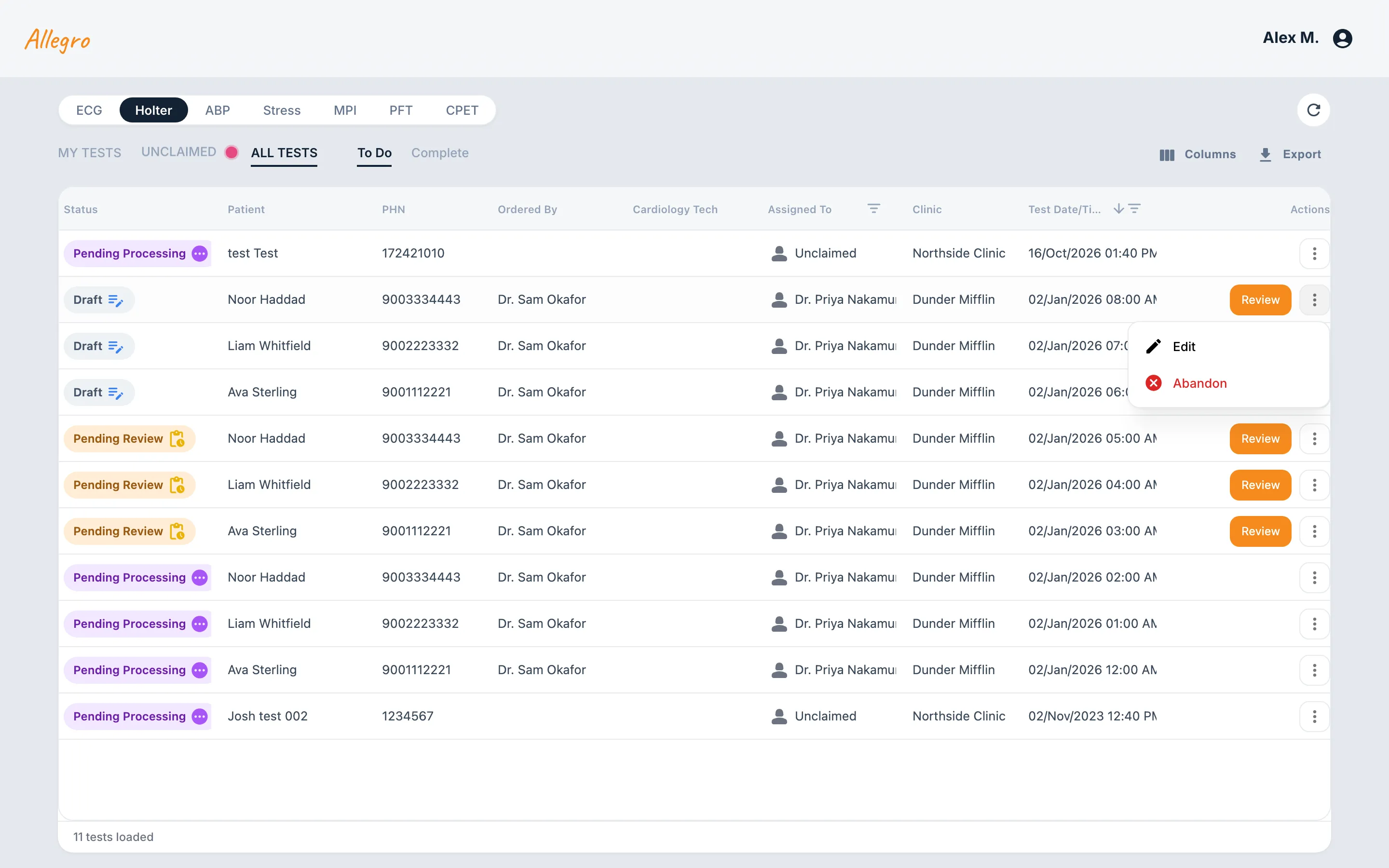
Abandon is in the ⋮ menu -
Allegro asks: “This action is irreversible. Please enter a reason for abandoning this test.”
-
Type a reason of at least 10 characters, for example “Duplicate upload of same recording”.
-
Select OK.
The test moves to the Complete tab with status Abandoned. Its reason is saved in the test history.
If your reason is too short, you’ll see “Reason must be at least 10 characters long.” Try again with more detail.
You can’t abandon a test that’s already Finalized.