Finalizing a test
This page isn't usually needed for the group you picked under Viewing as. It's shown because you opened it directly.
Finalizing signs the test under your name, creates the official report and sends it to the EMR.
-
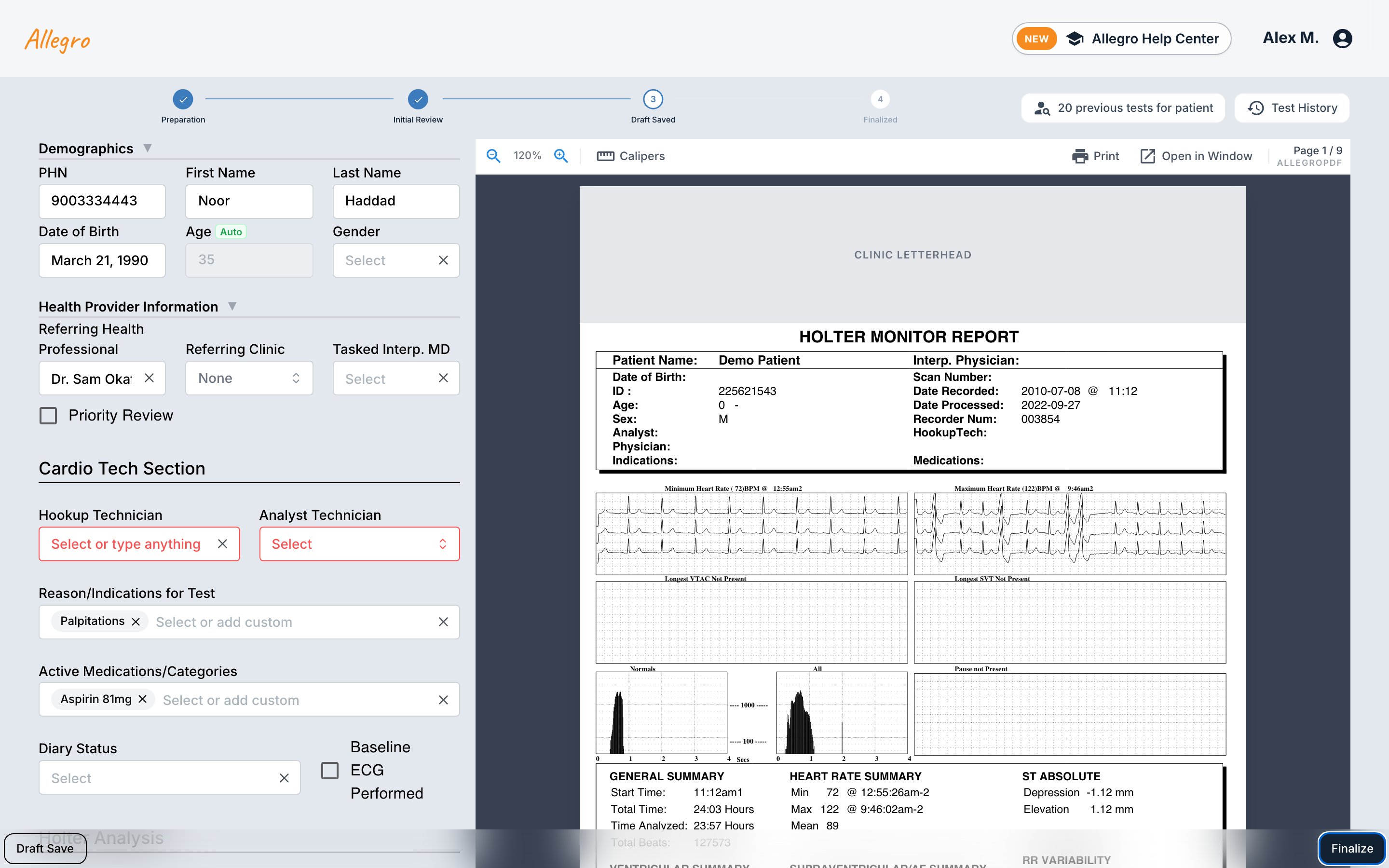
On the review screen, complete your interpretation.
-
Select Finalize in the bottom-right corner.
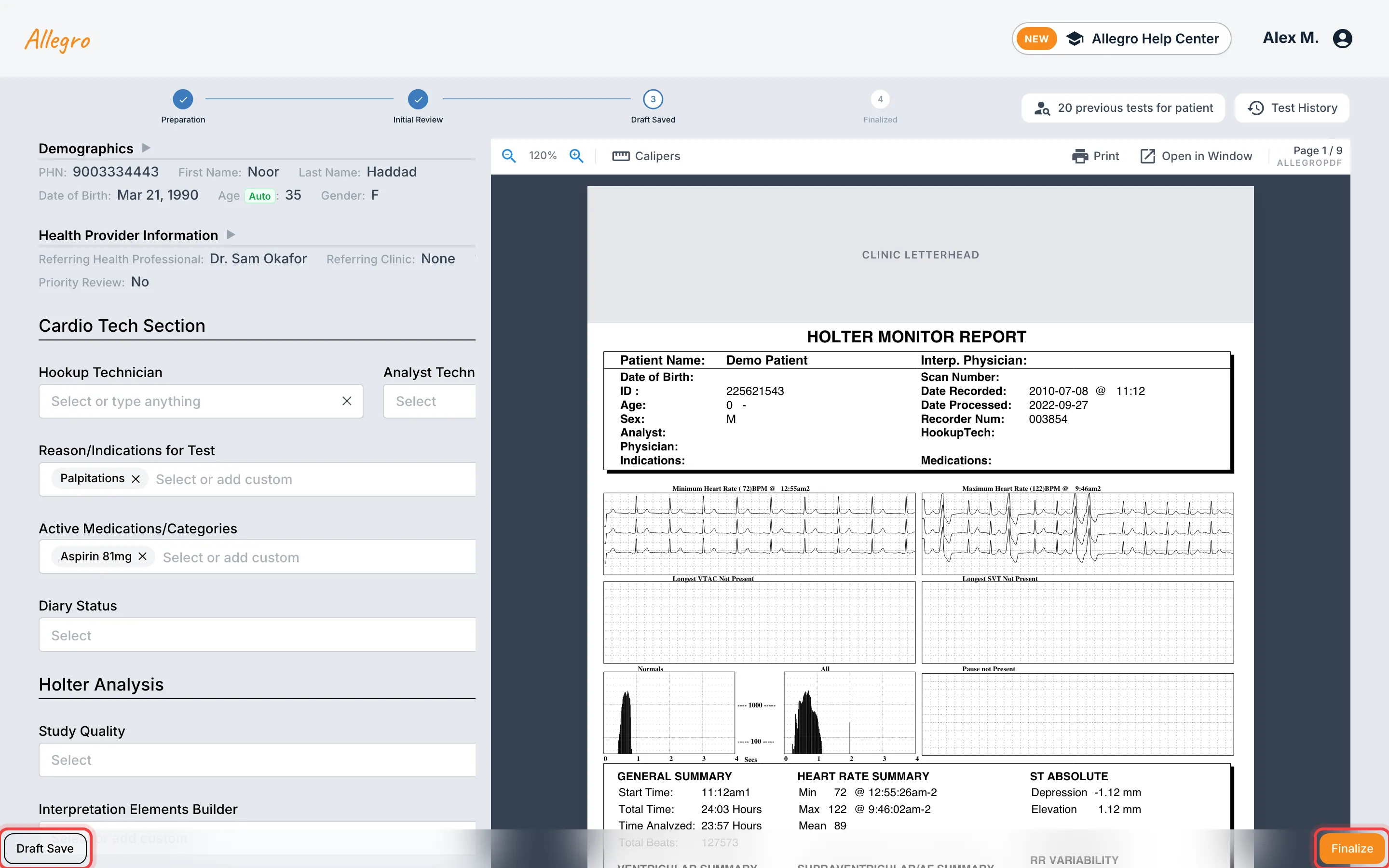
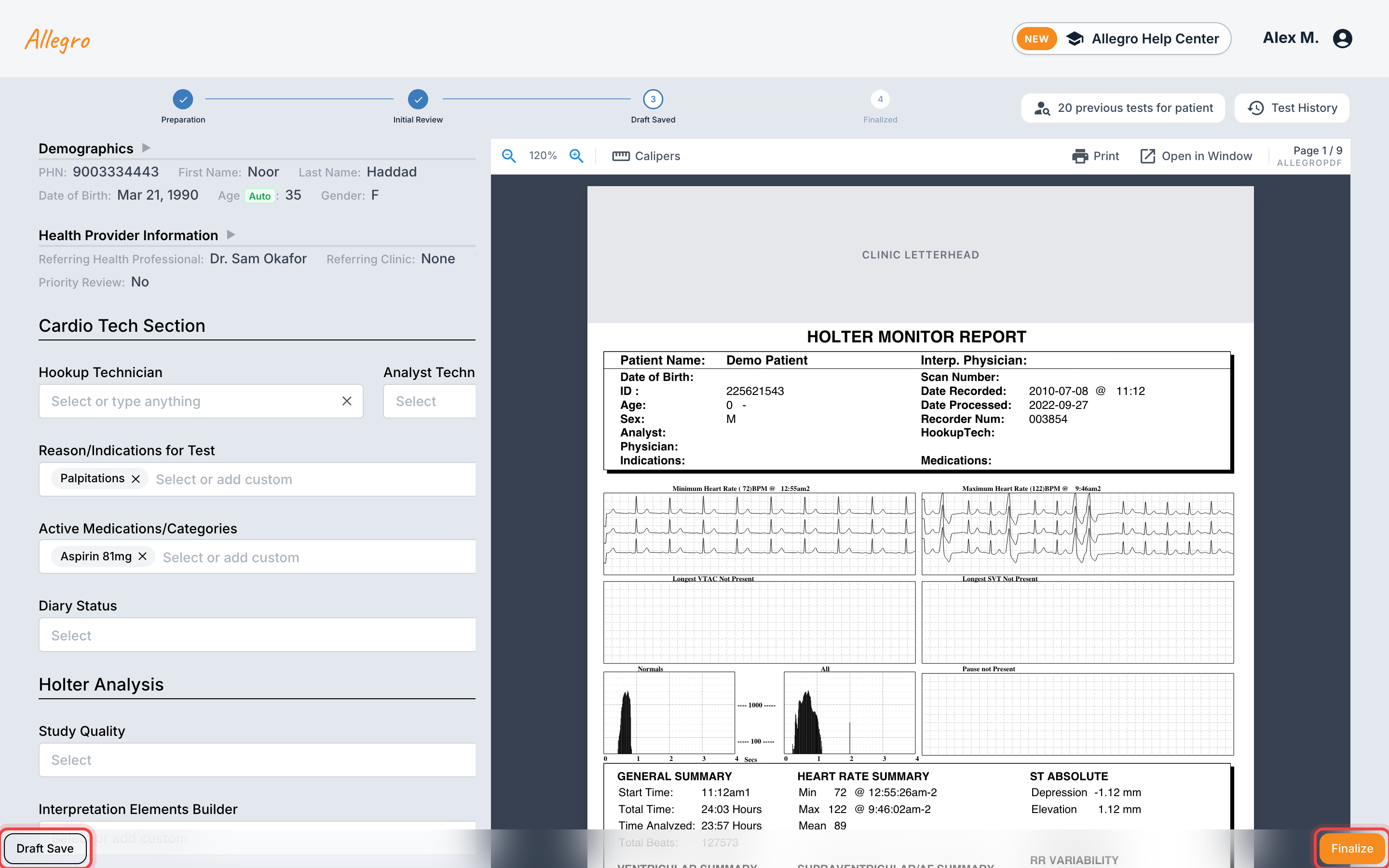
Finalize is the orange button, bottom-right -
Allegro asks you to confirm: “This test will be sent to the EMR and you will not be able to edit it further.”
-
Select Confirm.
-
The status becomes Finalized and the test moves to the Complete tab.
“Missing fields”
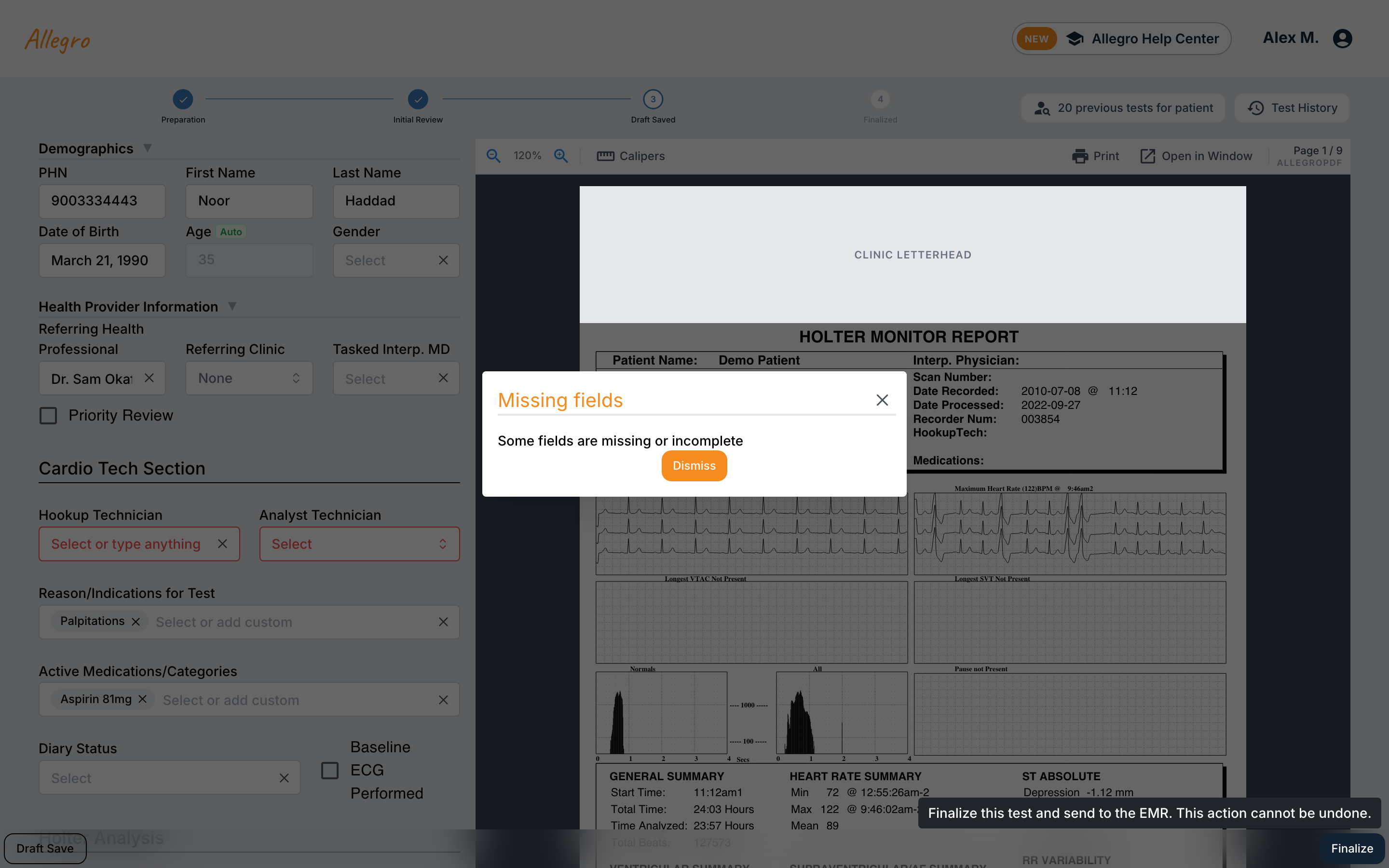
Section titled ““Missing fields””If a required field is empty, Allegro won’t finalize. Instead you’ll see:
-
Select Dismiss.
-
Look for fields outlined in red. Those are the ones that are missing.
-
Fill them in, then select Finalize again.