How tests arrive in Allegro
This page isn't usually needed for the group you picked under Viewing as. It's shown because you opened it directly.
You don’t type tests into Allegro from scratch. They’re sent in from the testing equipment’s software, and Allegro picks them up automatically.
The journey of an upload
Section titled “The journey of an upload”- The test is recorded on the device (Holter recorder, ABP monitor, treadmill, ECG cart…).
- The device’s software exports the test into the right upload folder for its type, for example a
HOLTERfolder for Holter tests. - Allegro picks up the new file within a few minutes, reads the patient details and attaches the report PDF.
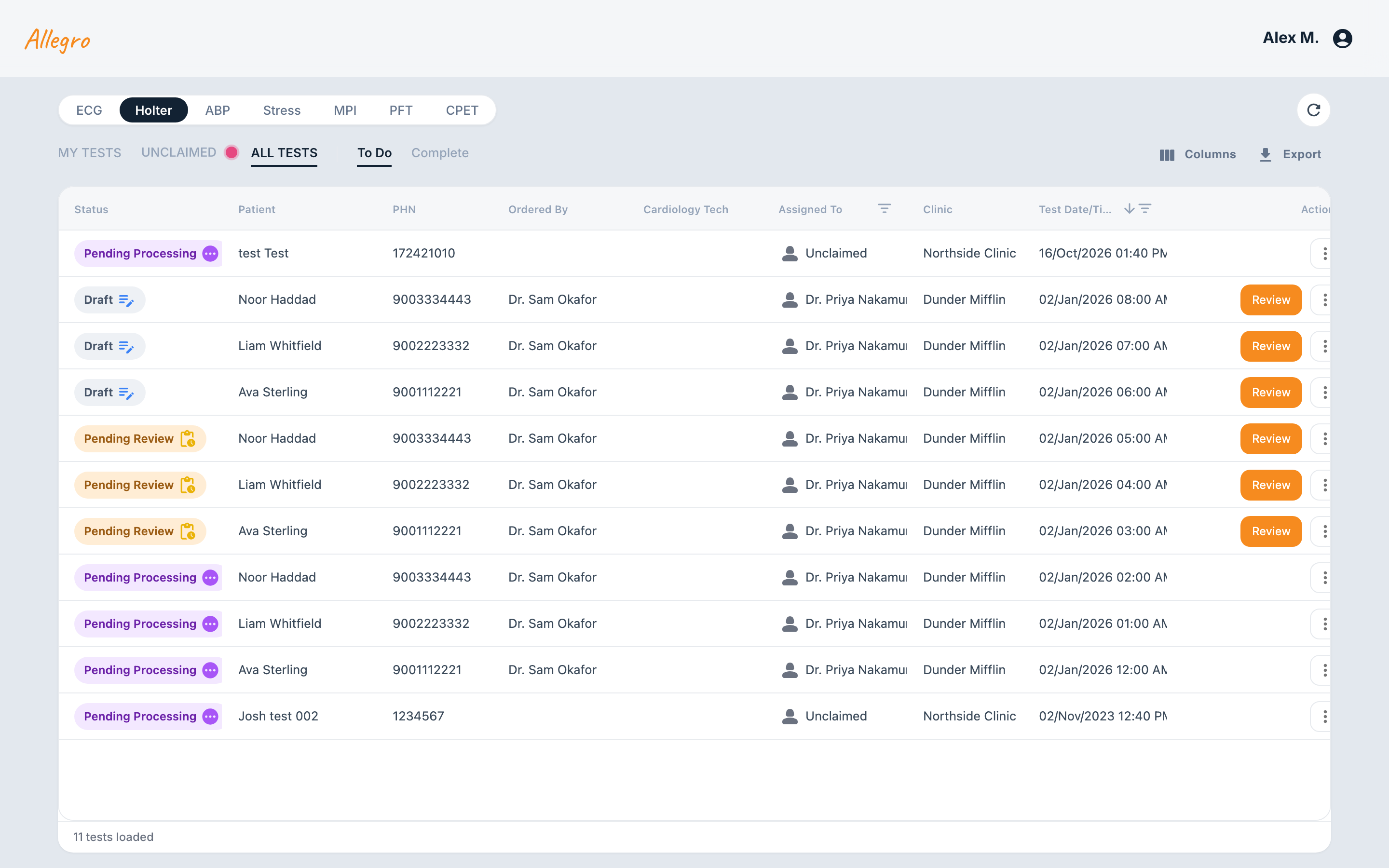
- The test appears in the test list:
- Pending Processing for Holter, ABP, Stress and MPI. A technologist needs to prepare it.
- Pending Review for ECG, PFT and CPET. These go straight to physicians.
Where to save files
Section titled “Where to save files”Each test type has its own folder. The exact paths are set up for your clinic during installation. If you have permission, the in-app Help Guide shows them under Test Intake Paths. For example:
HOLTER: X:/HOLTER/PatientName/PatientID/Date/Time/<Holter file>ECG machines send their files as a .zip directly to Allegro. There’s no folder to choose, and every ECG zip is treated as an ECG.
The test didn’t show up?
Section titled “The test didn’t show up?”- Wait a few minutes, then select refresh on the test list.
- Check the ALL TESTS tab: it may be assigned to someone else.
- Search by PHN with PHN lookup.
- Still missing? See Troubleshooting.