Your worklist
This page isn't usually needed for the group you picked under Viewing as. It's shown because you opened it directly.
At a glance: the home screen
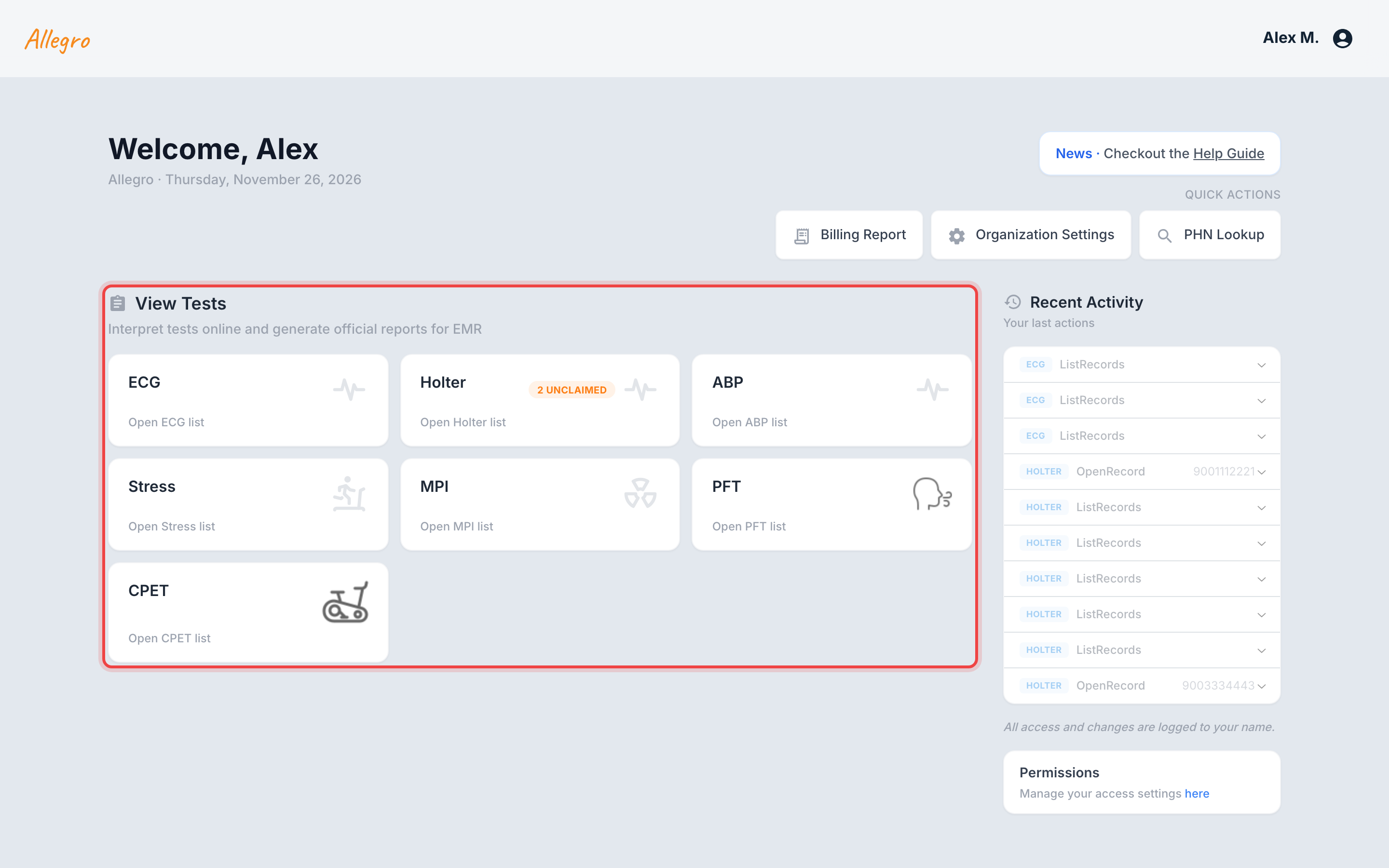
Section titled “At a glance: the home screen”On the home screen, each test card shows badges:
- “N for you” (blue): tests assigned to you that still need your review.
- “N unclaimed” (orange): tests no physician has picked up yet.
Open your list
Section titled “Open your list”-
Select a test card, for example Holter.
-
Select the MY TESTS tab.
-
Make sure To Do is selected.
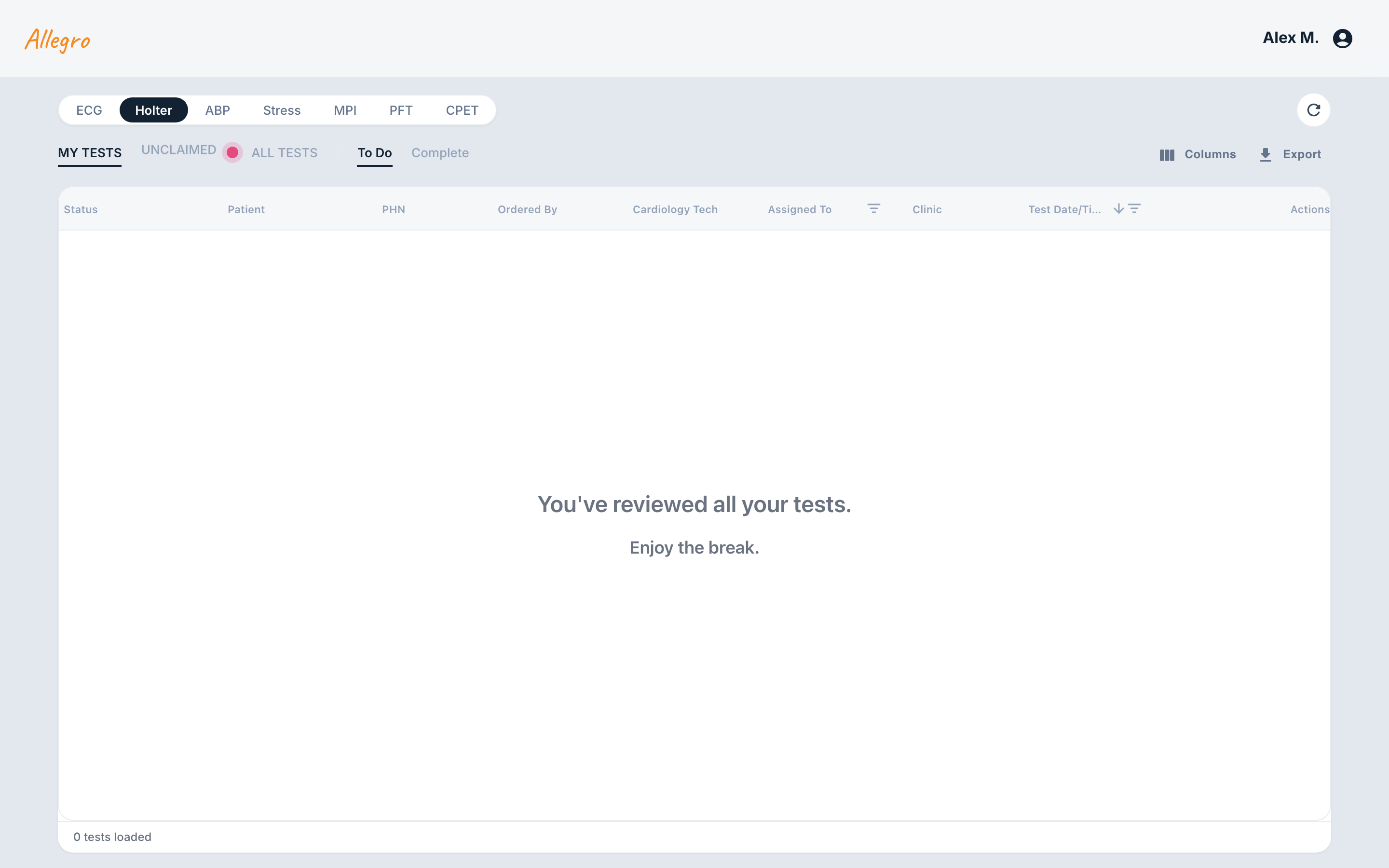
When you’ve finished everything, you’ll see “You’ve reviewed all your tests. Enjoy the break.”
Don’t forget unclaimed tests
Section titled “Don’t forget unclaimed tests”Check the UNCLAIMED tab too. A pink dot means tests are waiting with no physician. See Claiming an unclaimed test.
Work through tests one after another
Section titled “Work through tests one after another”When you open a test from a list, Back and Next buttons at the bottom let you move through the list without going back to it. The counter (for example 2/7) shows where you are.