Test action buttons
This page isn't usually needed for the group you picked under Viewing as. It's shown because you opened it directly.
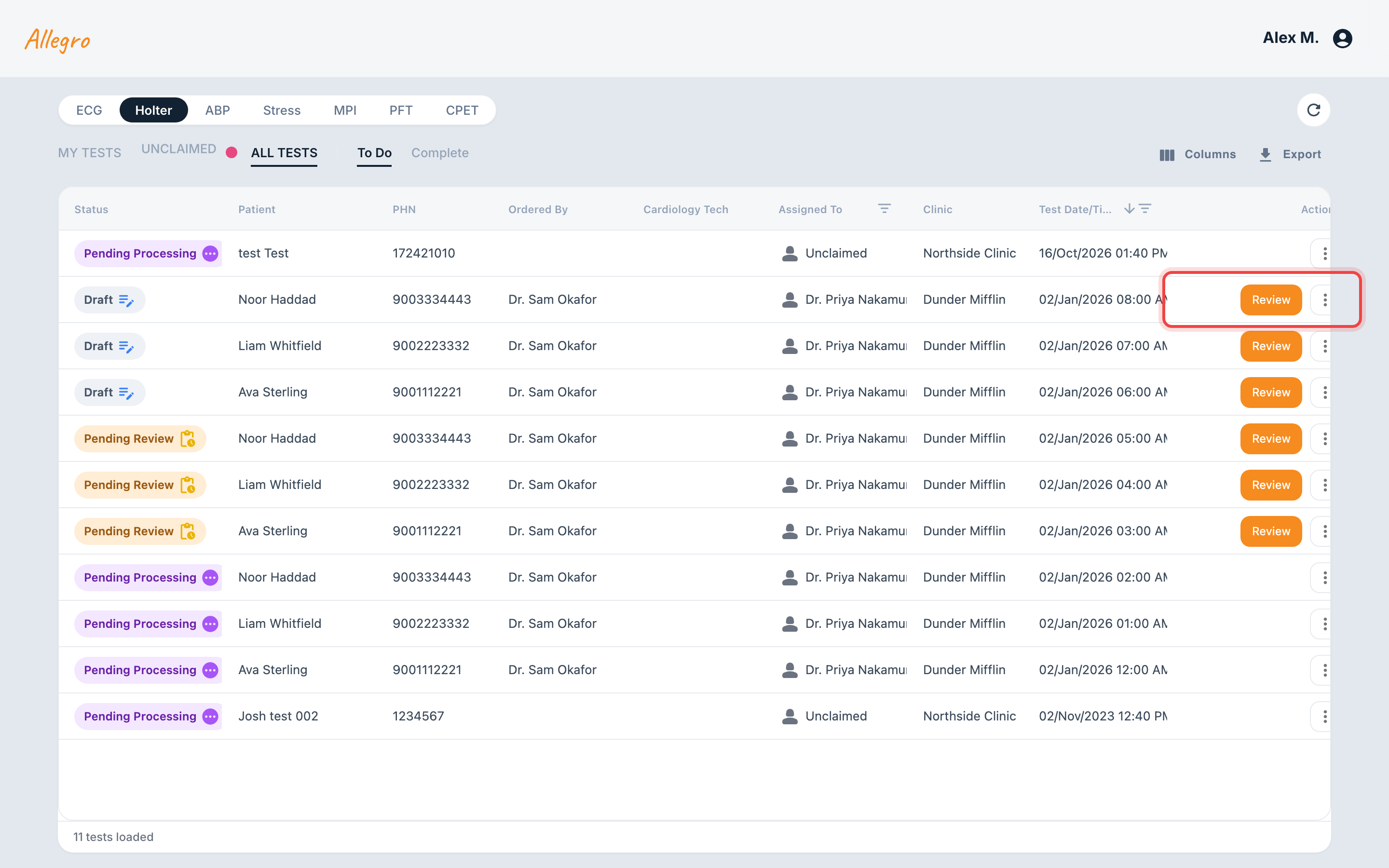
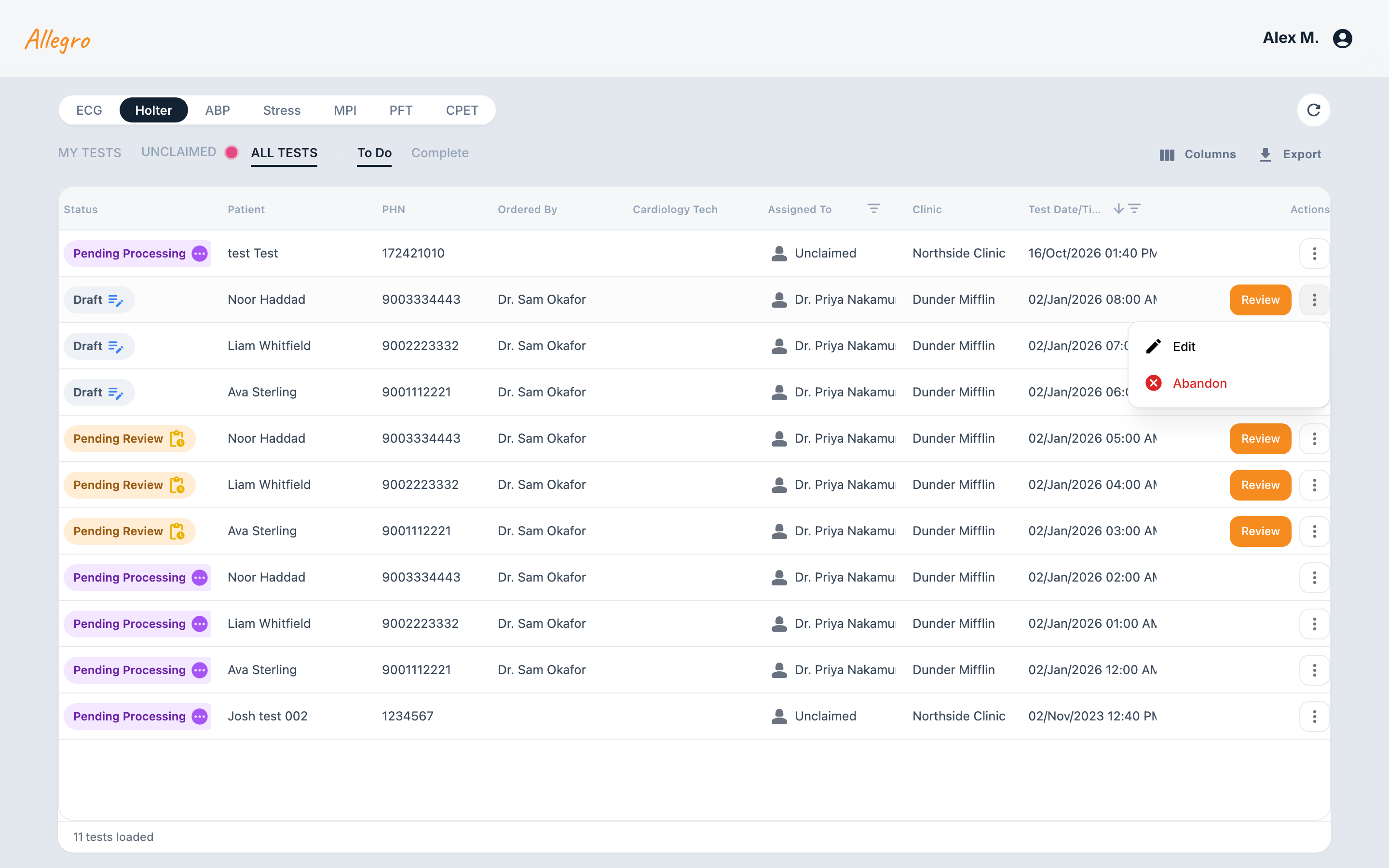
Each row in a test list has an Actions column. The main button is the thing you’re most likely to do next. Everything else is under the ⋮ (More actions) menu.
Every action
Section titled “Every action”| Button | What it does | When you see it | Who | Guide |
|---|---|---|---|---|
| Review | Open the test to write or continue your interpretation. | Pending Review, Draft | Physicians | Reviewing a test |
| Finish Prepare | Fill in the test so it’s ready for a physician. | Pending Processing | Technologists | Preparing a test |
| Edit | Change a test you’ve already prepared. | Pending Review, Draft | Technologists, residents | Editing a prepared test |
| Edit Demogr. | Fix patient details or reassign the physician. | Before finalizing | Clinic staff | Editing patient details |
| View | Open the finished report. | Finalized, Abandoned | Anyone who can view reports | Viewing a report |
| Amend | Re-open a finalized test to change the interpretation. | Finalized | Physicians | Amending a report |
| Make Correction | Fix patient details on a finalized test. It goes back to the physician to sign off. | Finalized | Clinic staff | Making a correction |
| Abandon | Stop a test permanently. You must give a reason. | Before finalizing | Technologists, clinic staff, physicians | Abandoning a test |
On a finalized test
Section titled “On a finalized test”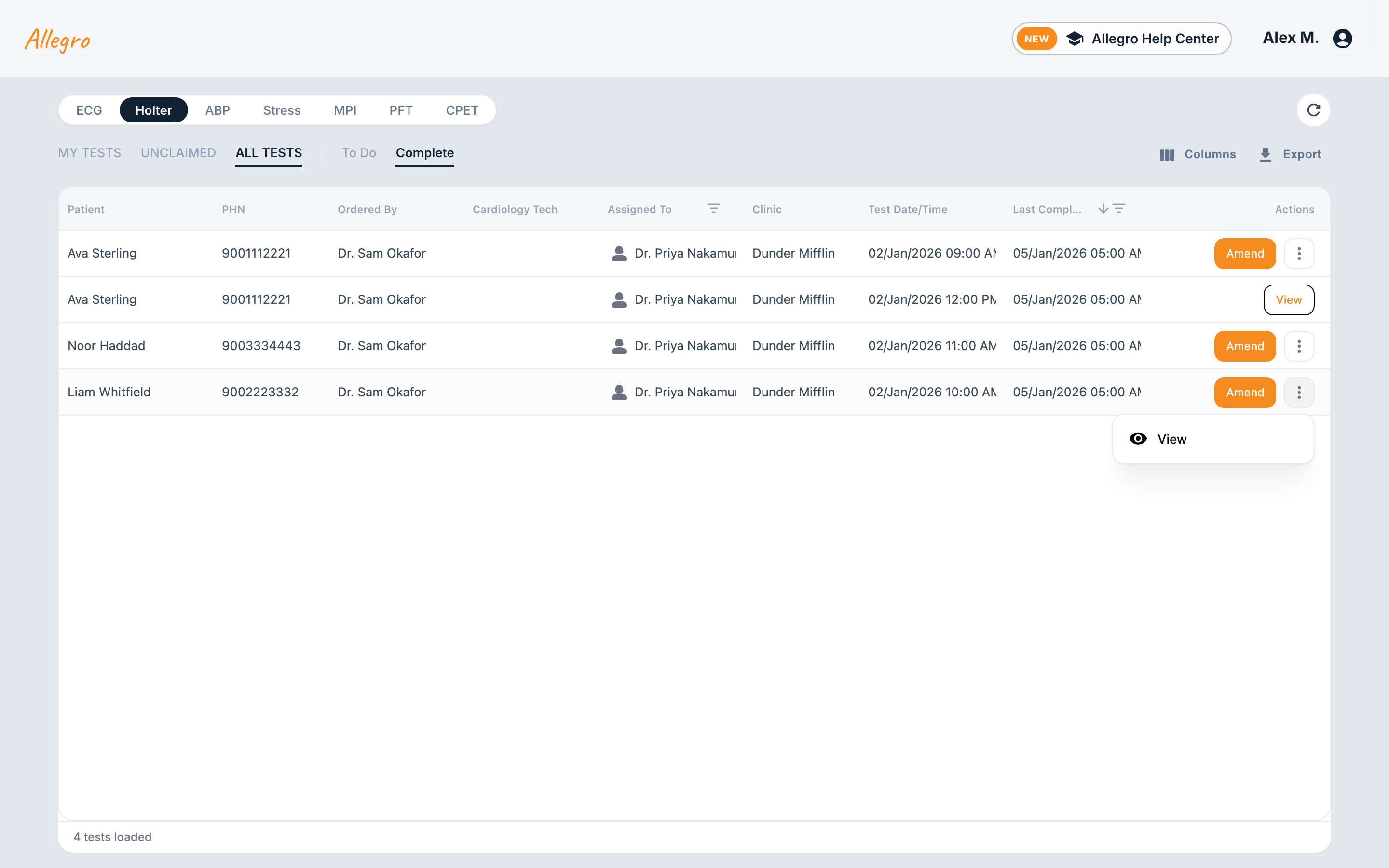
Before Amend opens the test, Allegro asks you to confirm: