Editing a prepared test
This page isn't usually needed for the group you picked under Viewing as. It's shown because you opened it directly.
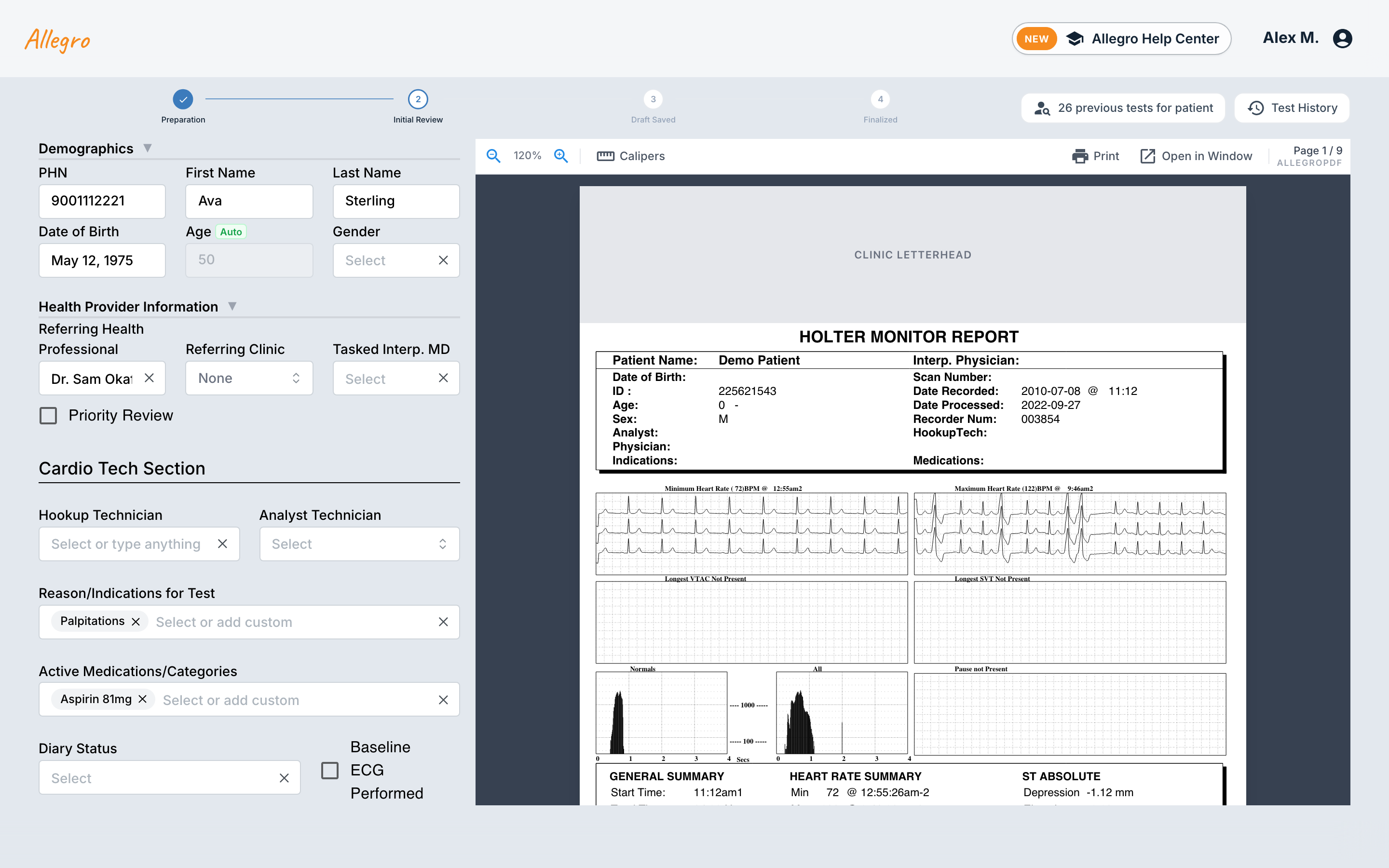
Made a mistake when preparing? You can edit a prepared test until it’s finalized.
-
Open the test list and find the test (status Pending Review or Draft).
-
Select Edit, or ⋮ then Edit.
-
Make your changes in the form.
-
Select the save button at the bottom.
After a test is finalized, technologists can’t edit it. Clinic staff can make a correction to patient details, or a physician can amend it.