Clinic registry
This page isn't usually needed for the group you picked under Viewing as. It's shown because you opened it directly.
The Clinic Registry is your list of referring clinics and their fax numbers. Staff choose from it when they set a test’s Referring Clinic.
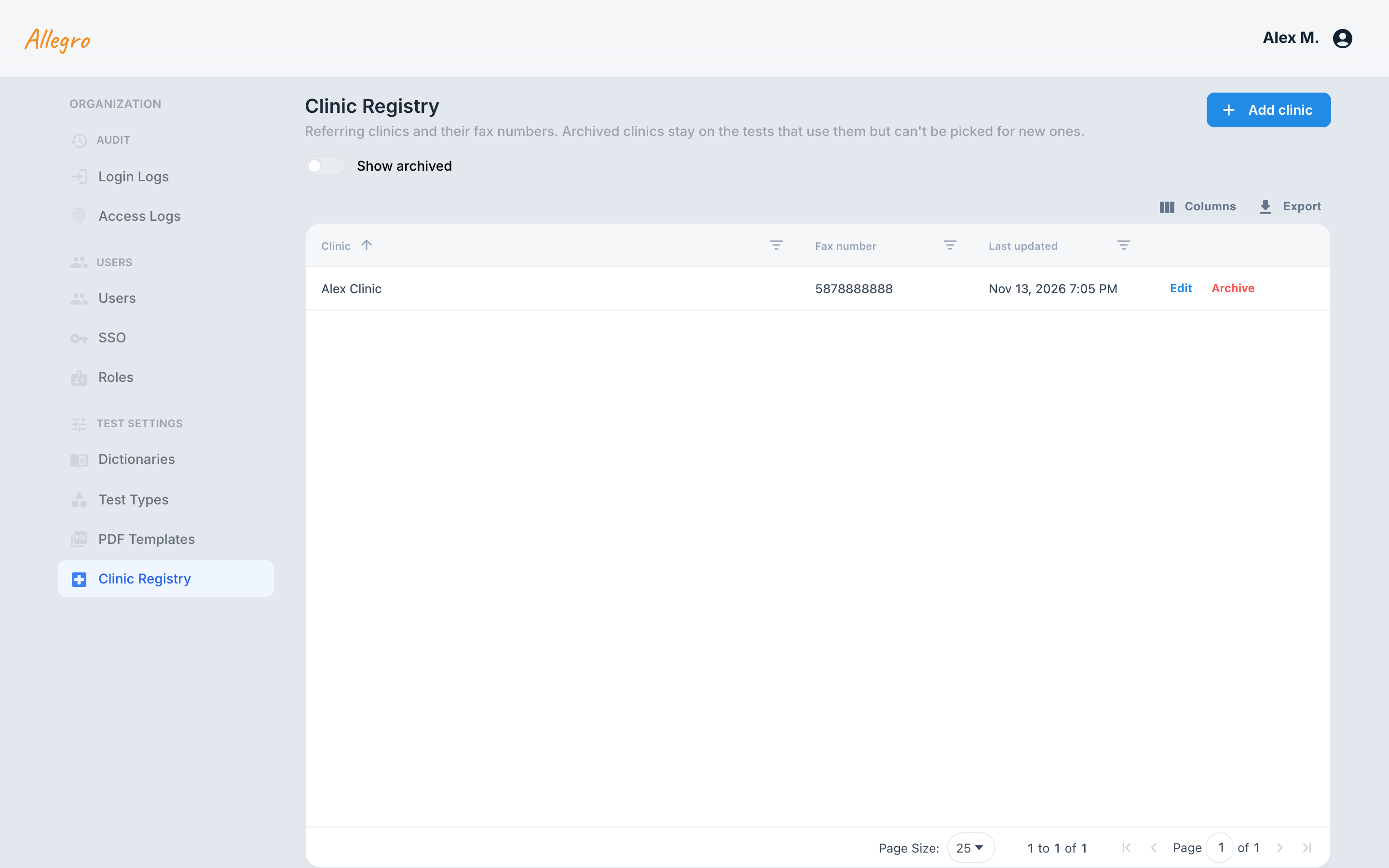
Add a clinic
Section titled “Add a clinic”-
Select Add clinic (top-right).
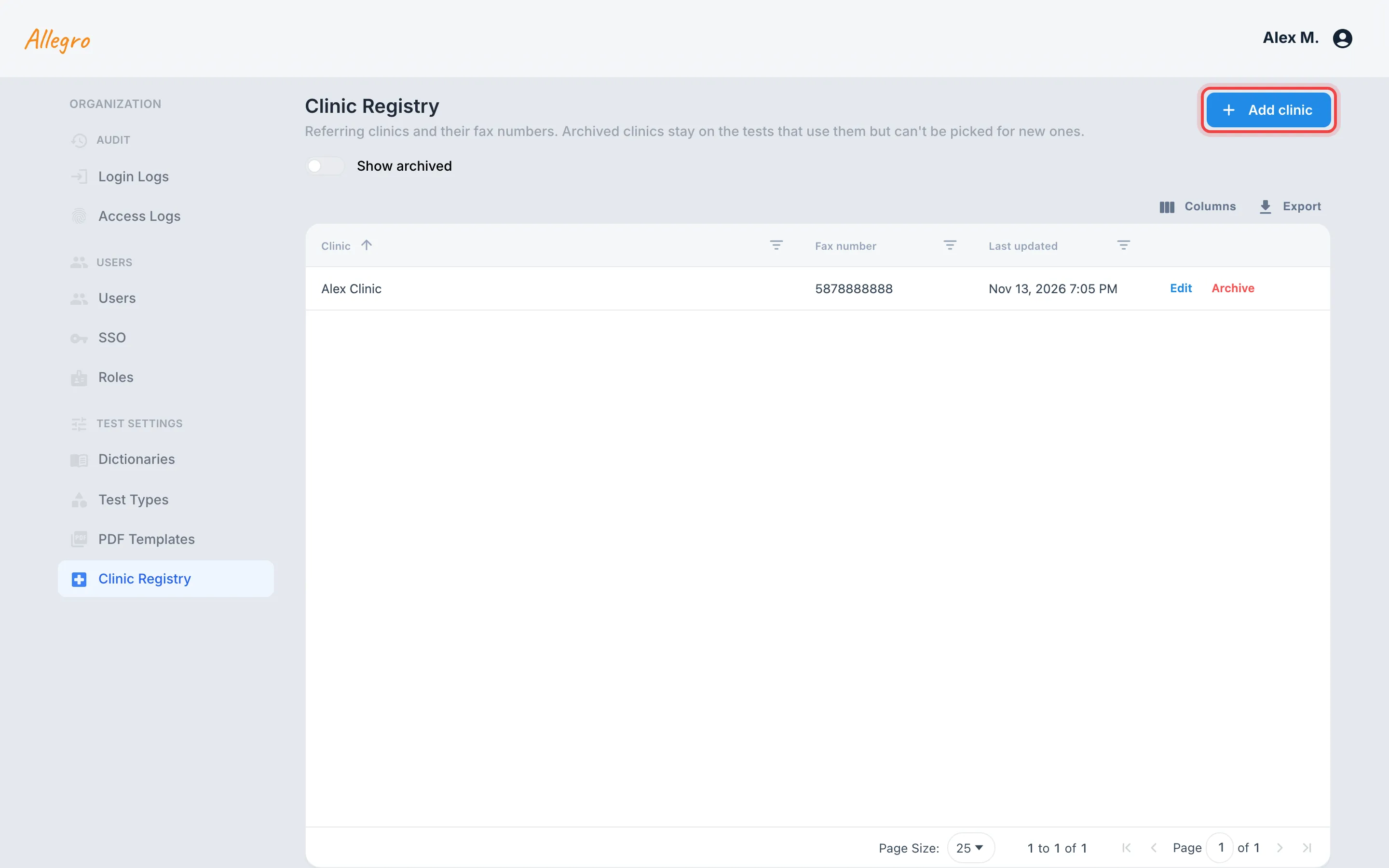
Add clinic -
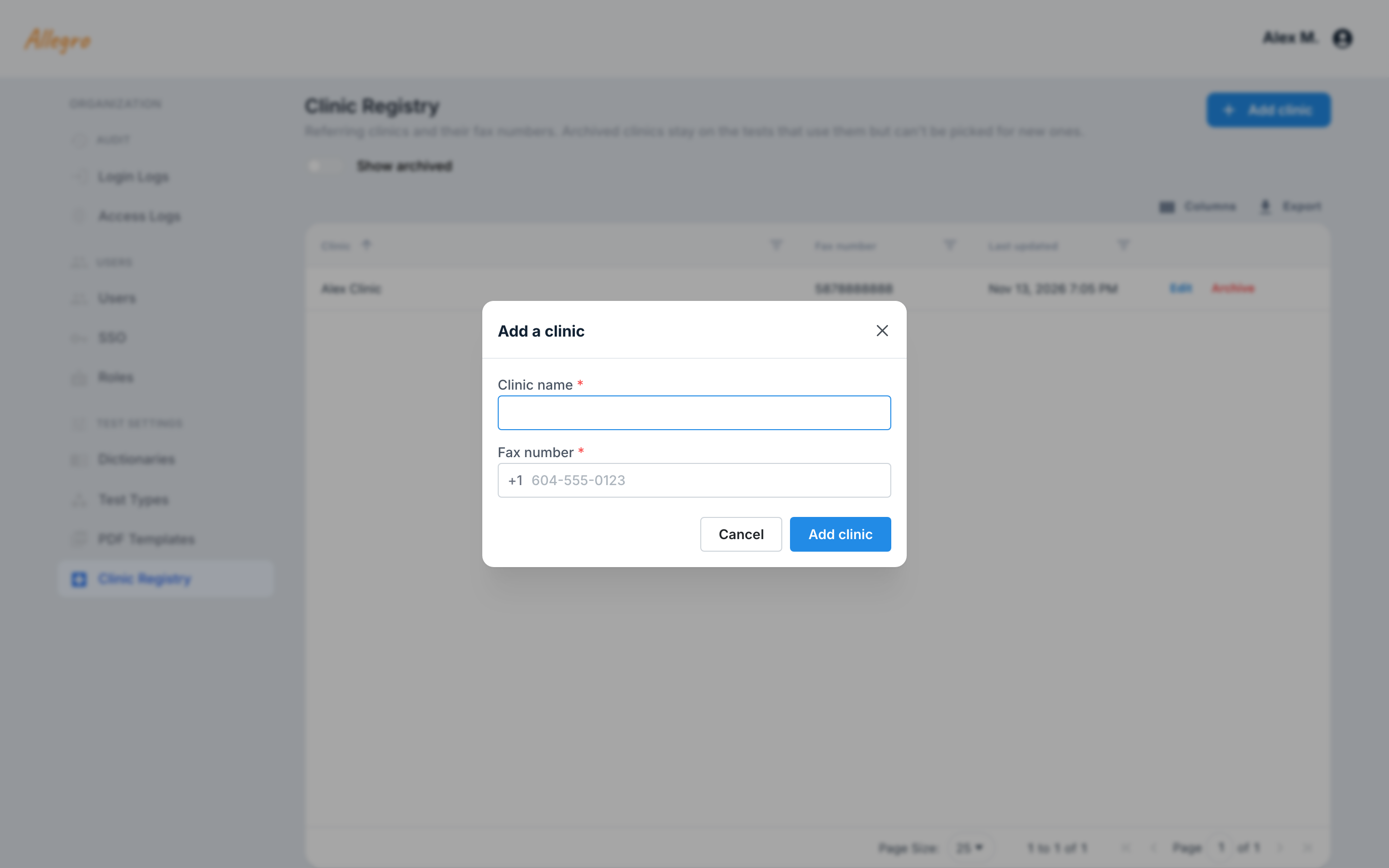
Enter the Clinic name and Fax number (both required).
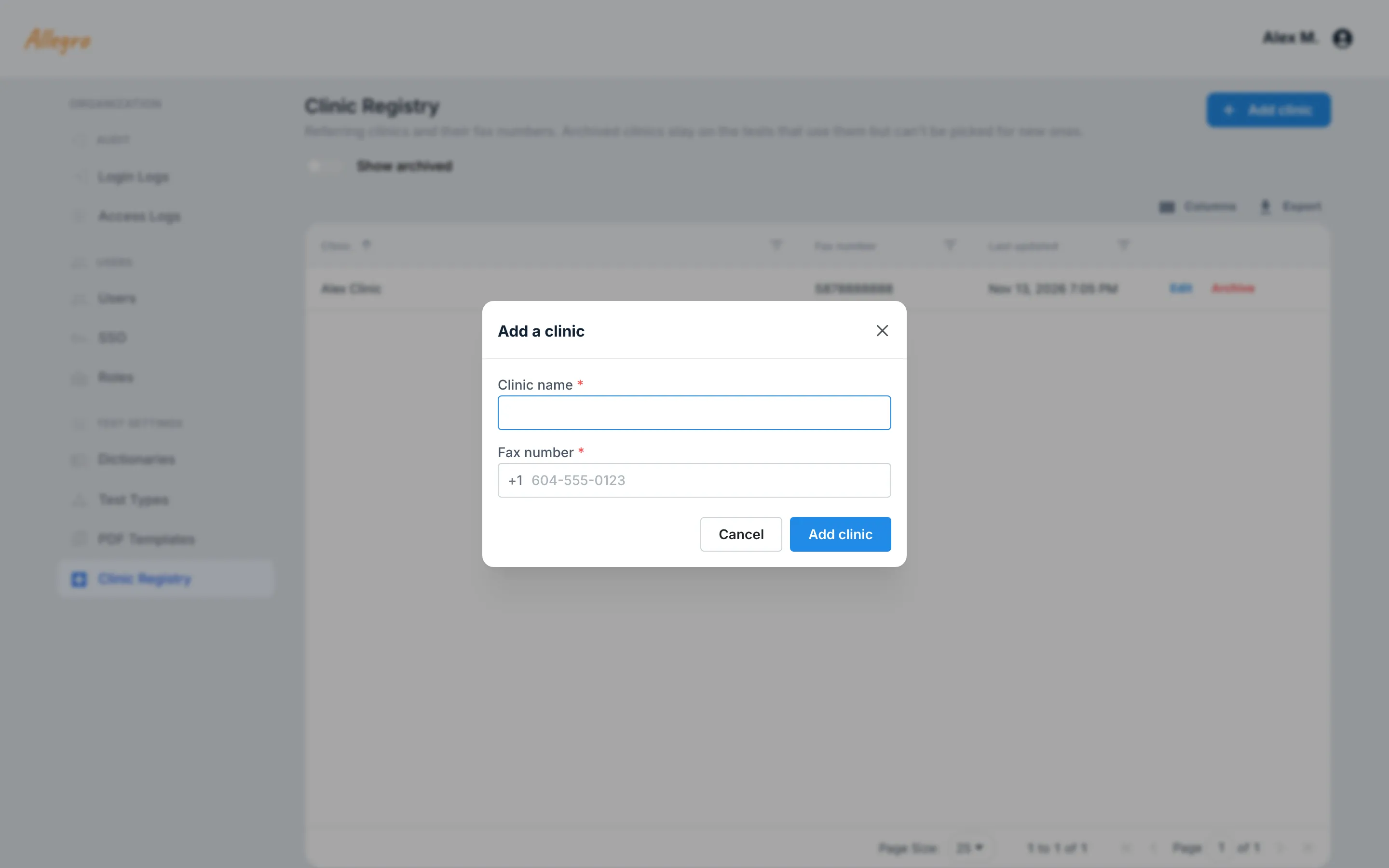
Add a clinic -
Select Add clinic.
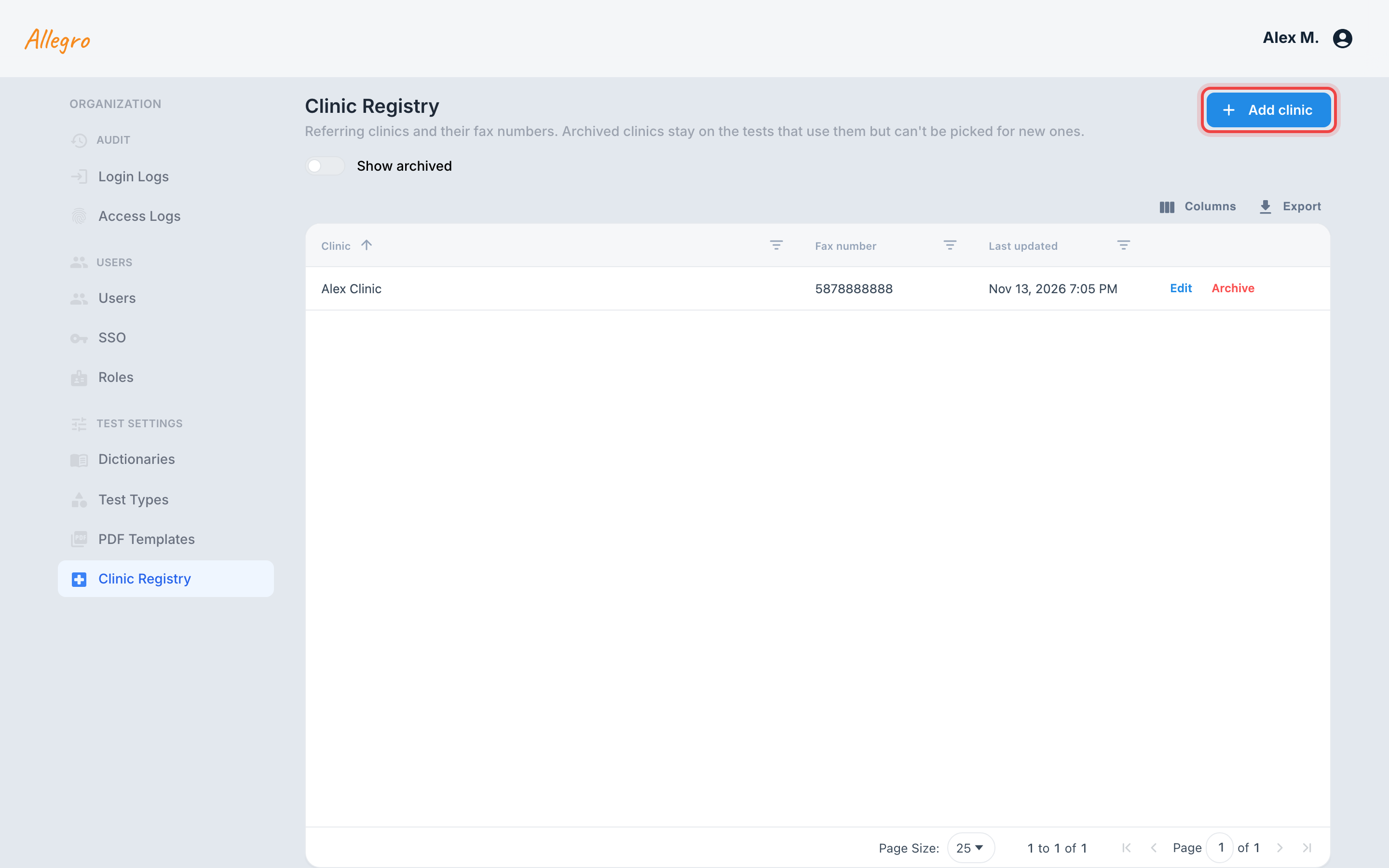
Edit a clinic
Section titled “Edit a clinic”Select Edit on the clinic’s row, change the name or fax number, and save.
Archive a clinic
Section titled “Archive a clinic”Select Archive (red) on the row.
- Archived clinics can’t be picked for new tests.
- Tests that already use them keep them.
To see archived clinics, turn on Show archived. Select Unarchive to bring one back.
Who can do what here
Section titled “Who can do what here”| Permission | Allows |
|---|---|
| View Org Clinic Registry | See this page |
| Add Org Clinic | Add clinics, here and from the picker on a test |
| Edit Org Clinic | Edit, archive and unarchive |