Test lists
This page isn't usually needed for the group you picked under Viewing as. It's shown because you opened it directly.
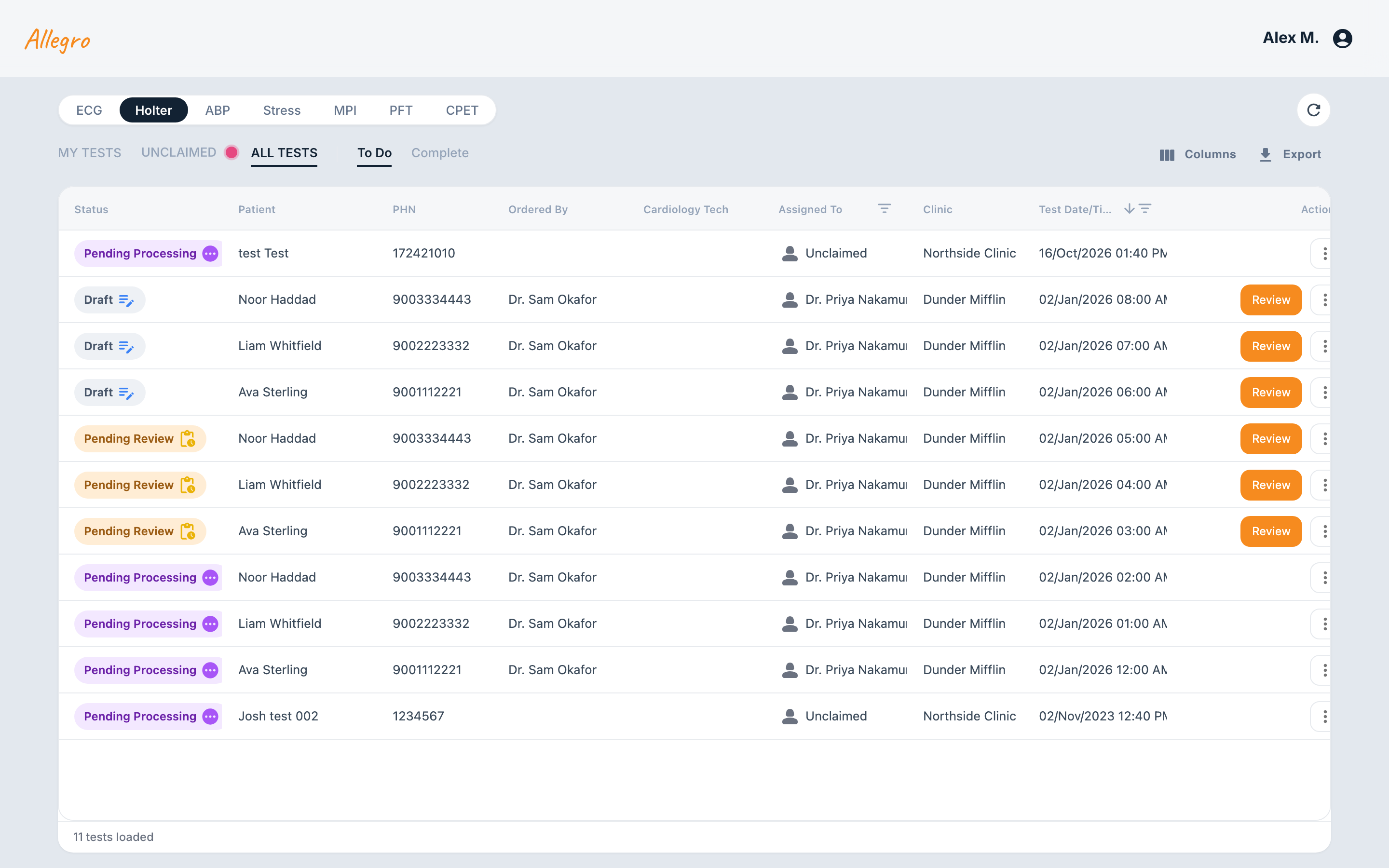
The test list is where you find tests to work on. There’s one list for each test type.
Open a test list
Section titled “Open a test list”-
On the home screen, go to View Tests.
-
Select the card for the test type you want, for example Holter.
-
The list opens, showing tests that still need work.
The three rows of tabs
Section titled “The three rows of tabs”The tabs at the top control which tests you see.
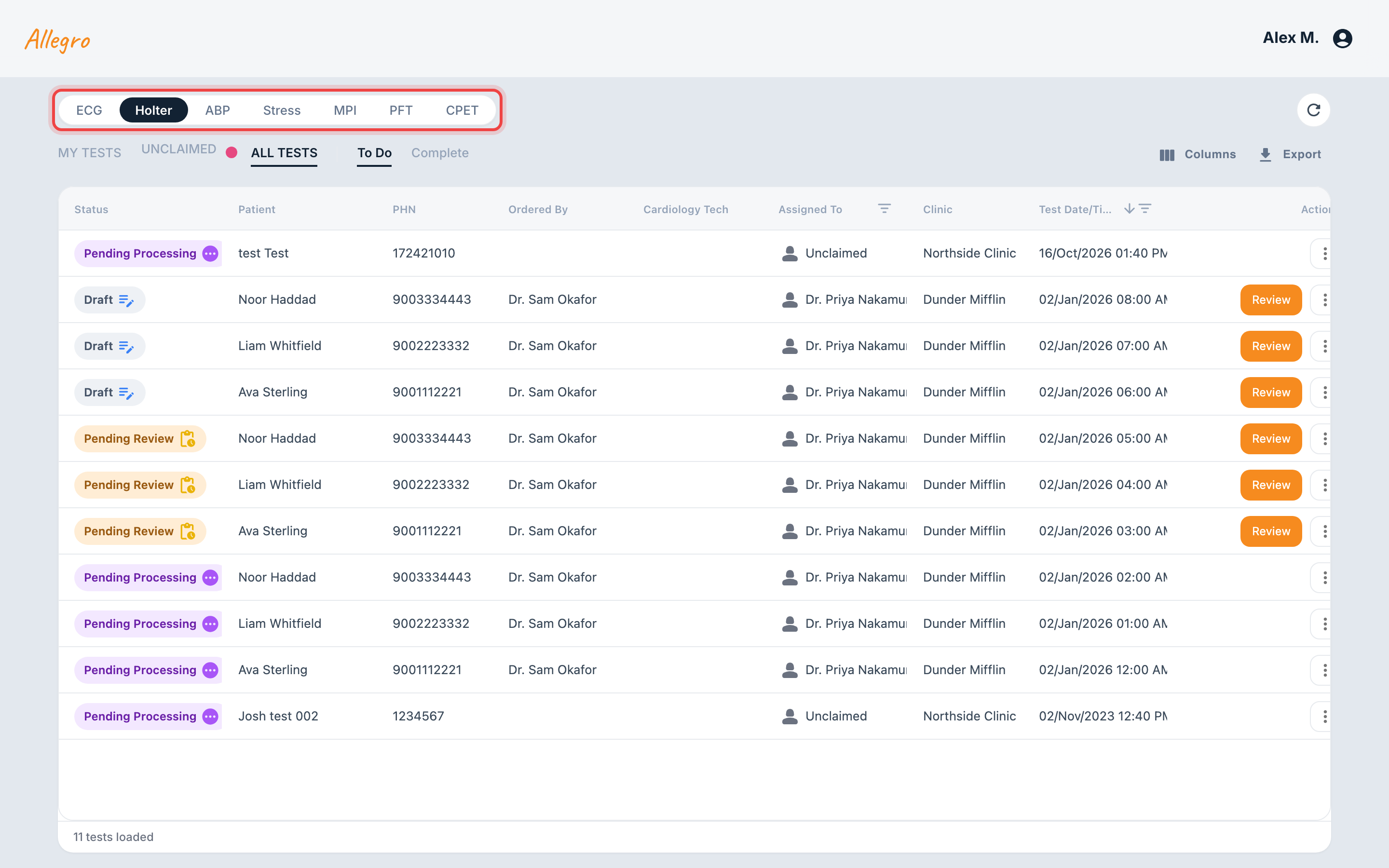
1. Test type
Section titled “1. Test type”Switch between ECG, Holter, ABP, Stress, MPI, PFT and CPET without going back to the home screen.
2. Whose tests
Section titled “2. Whose tests”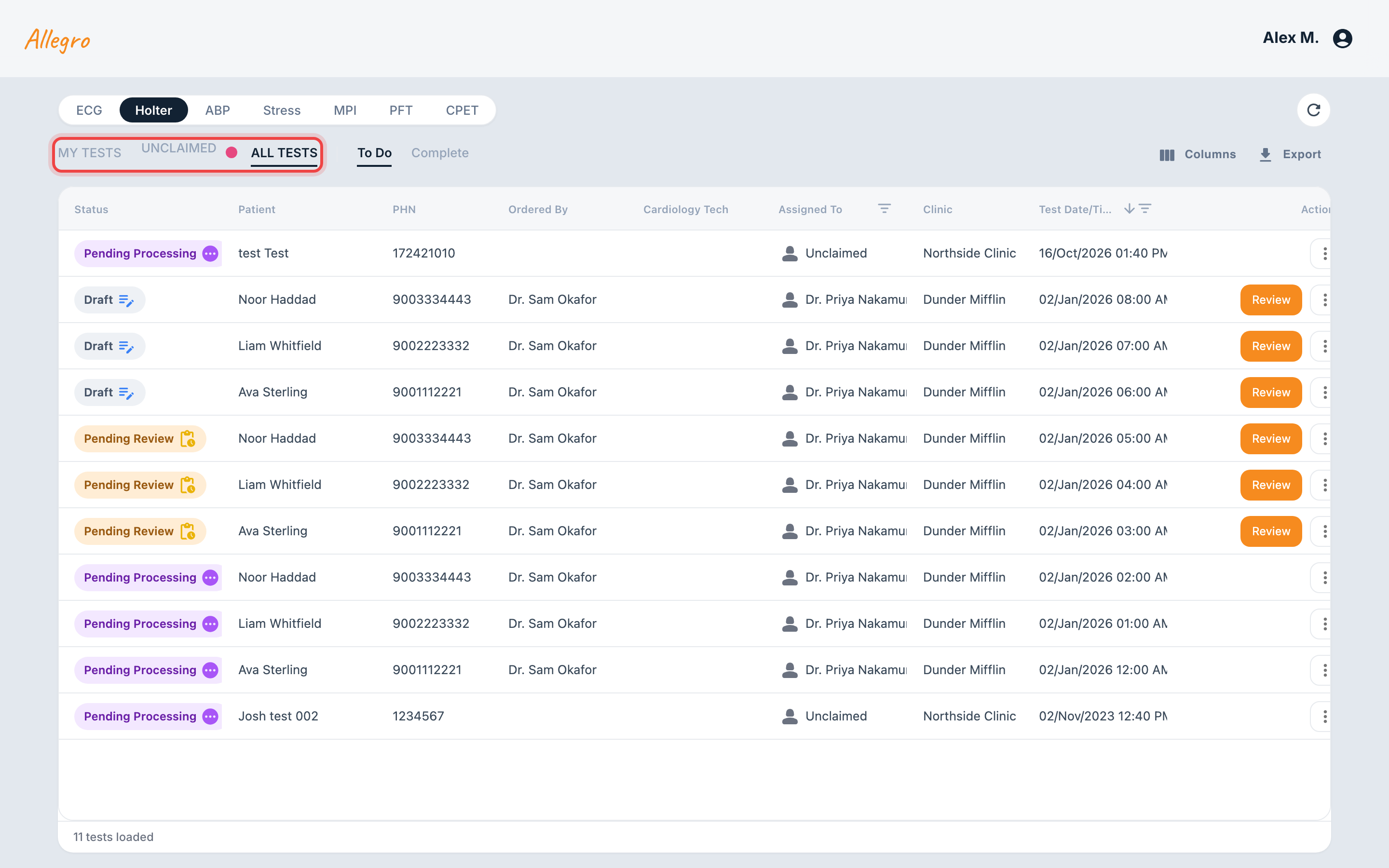
| Tab | Shows |
|---|---|
| MY TESTS | Tests assigned to you for review. Physicians only. |
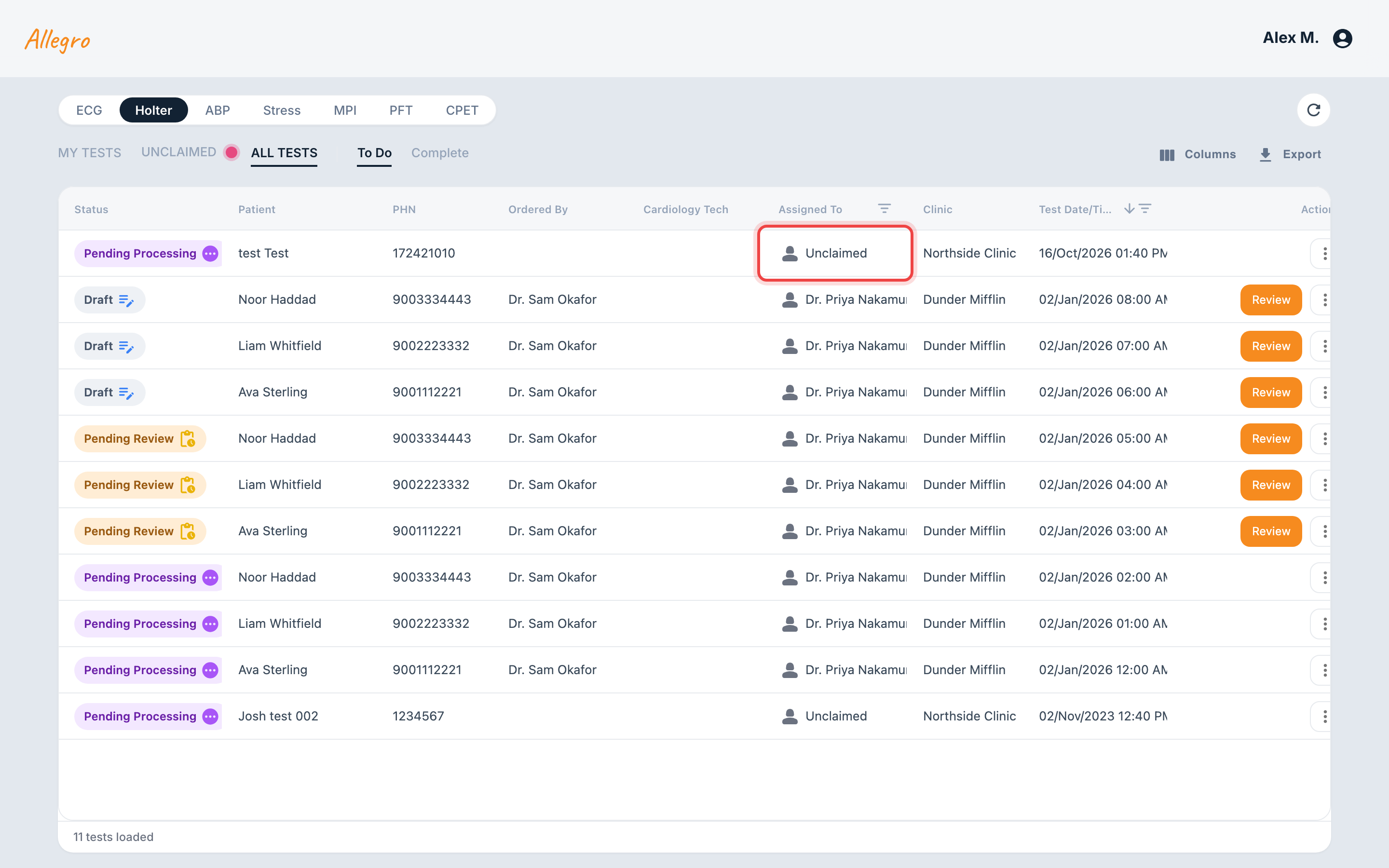
| UNCLAIMED | Tests not assigned to any physician yet. A pink dot means some are waiting. |
| ALL TESTS | Every test of this type. |
3. To Do or Complete
Section titled “3. To Do or Complete”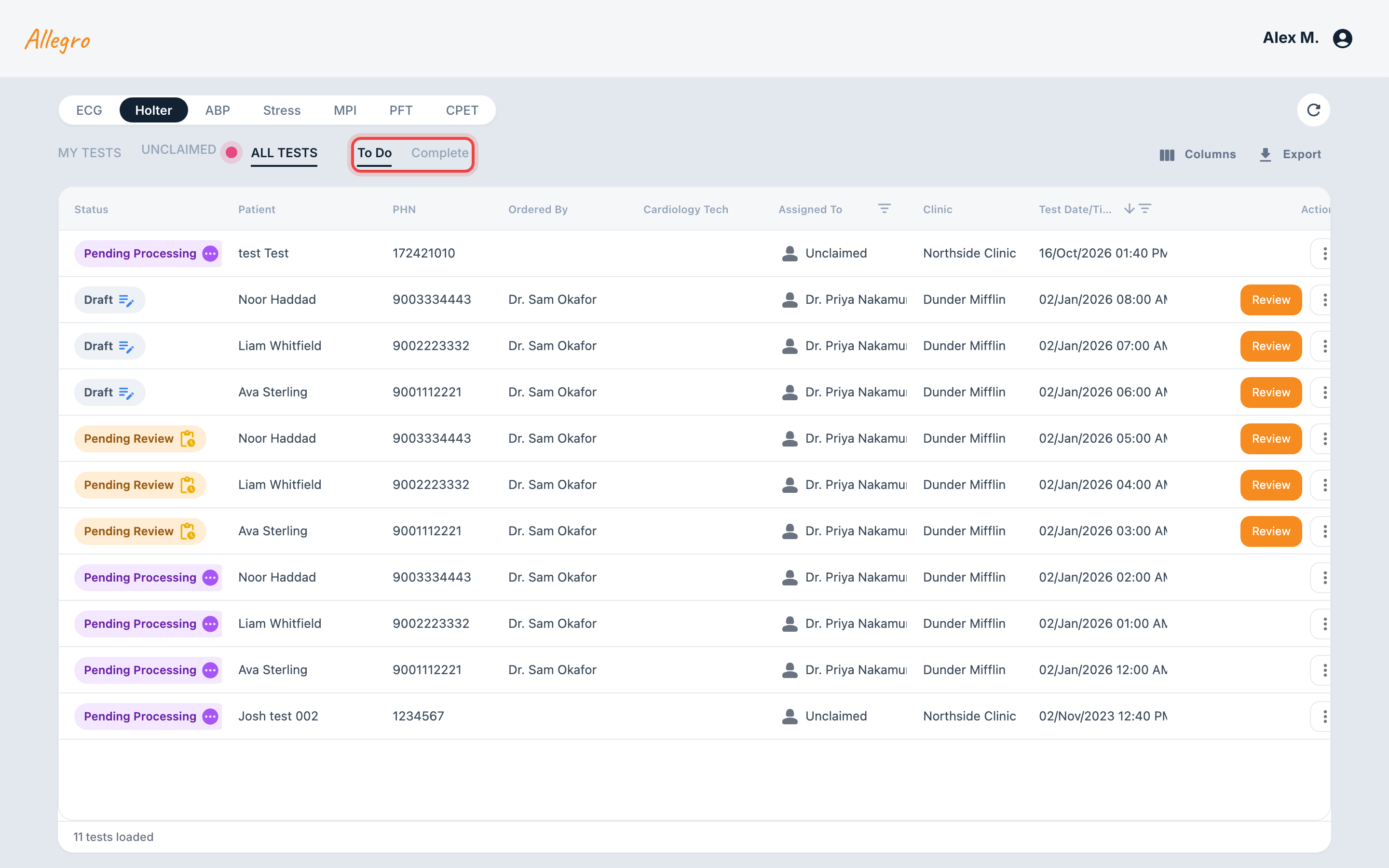
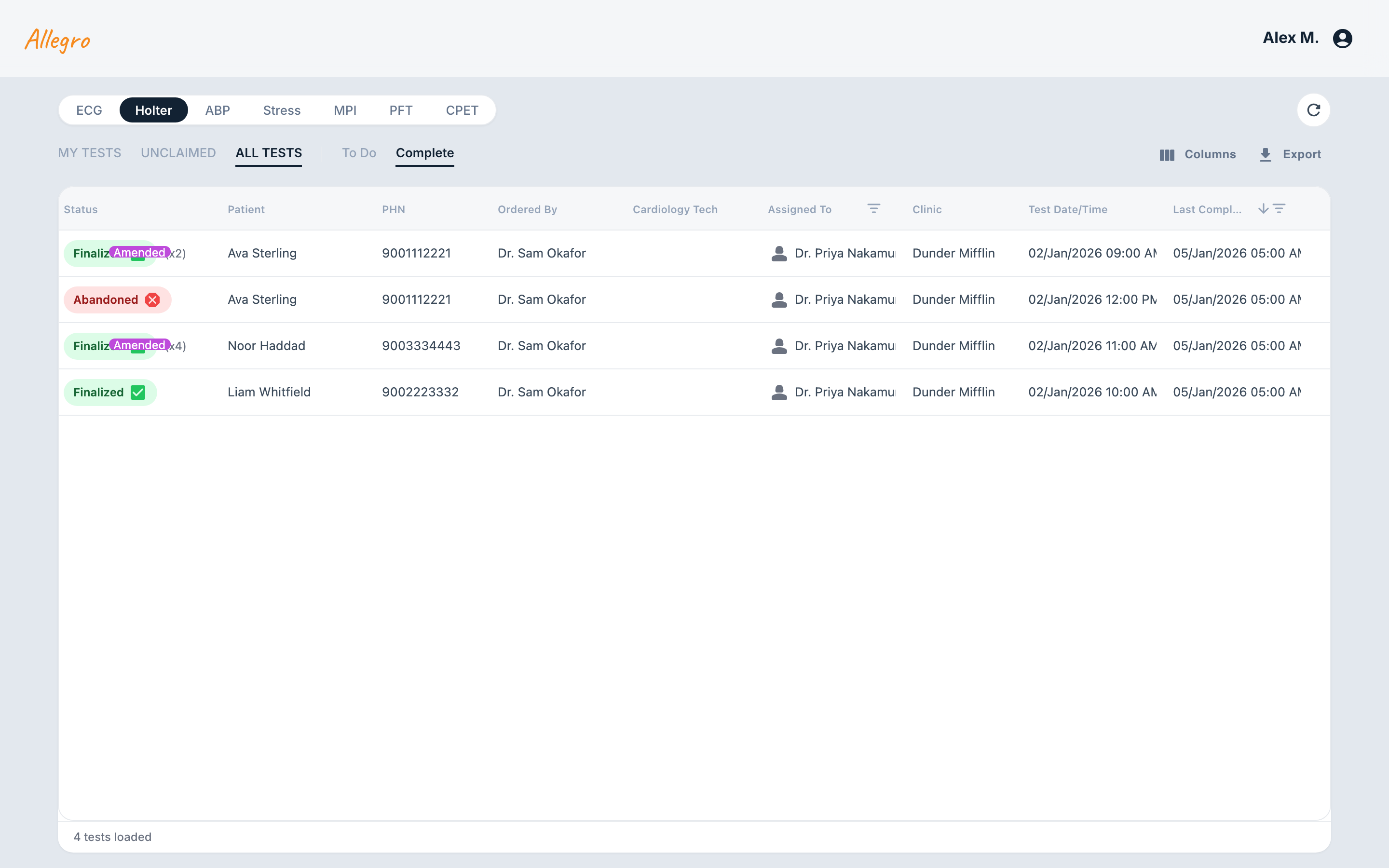
- To Do shows tests that still need work: Pending Processing, Pending Review and Draft.
- Complete shows tests that are done: Finalized and Abandoned.
The columns
Section titled “The columns”| Column | What it shows |
|---|---|
| Status | Where the test is in its journey. See Statuses and icons. |
| Patient | Patient’s name. |
| PHN | Personal Health Number. |
| Ordered By | The referring doctor. |
| Cardiology Tech | The technologist who prepared the test (some test types). |
| Assigned To | The physician who will review it, or Unclaimed. |
| Reviewed By | Who reviewed it (hidden by default). |
| Clinic | The referring clinic. |
| Test Date/Time | When the test was recorded. Newest first by default. |
| Last Completion | When it was last finalized (Complete tab). |
| Actions | Buttons for what you can do next. See Test action buttons. |
Refresh the list
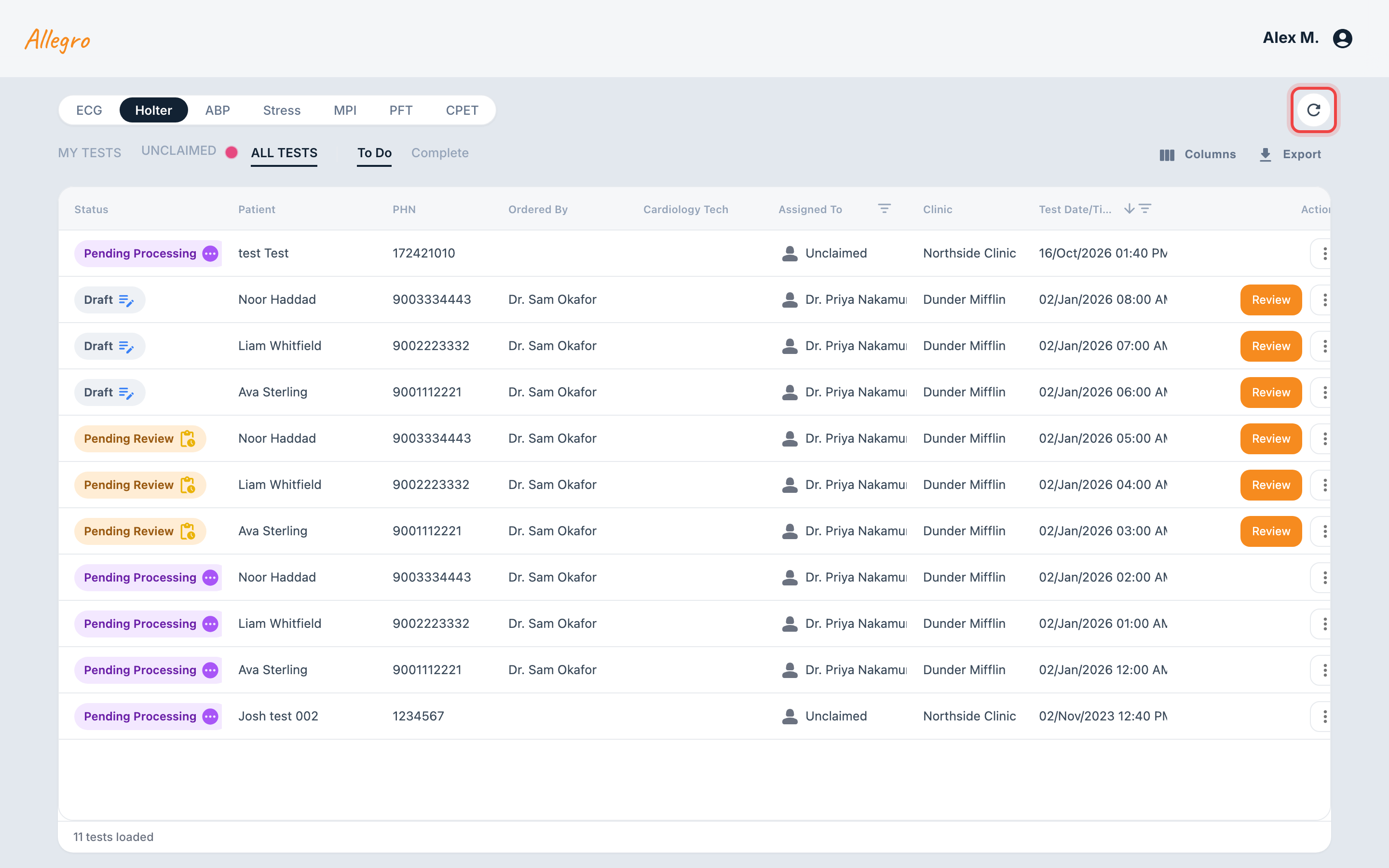
Section titled “Refresh the list”New tests arrive all the time. Select the refresh button (circular arrow, top-right) to load the latest.
Loading more
Section titled “Loading more”The list loads tests in pages. The count at the bottom (for example 11 tests loaded) tells you how many are showing. Scroll down to load more.