Amending a finalized report
This page isn't usually needed for the group you picked under Viewing as. It's shown because you opened it directly.
Need to change a report that’s already finalized? Amend it. Allegro creates a new version and sends it to the EMR.
-
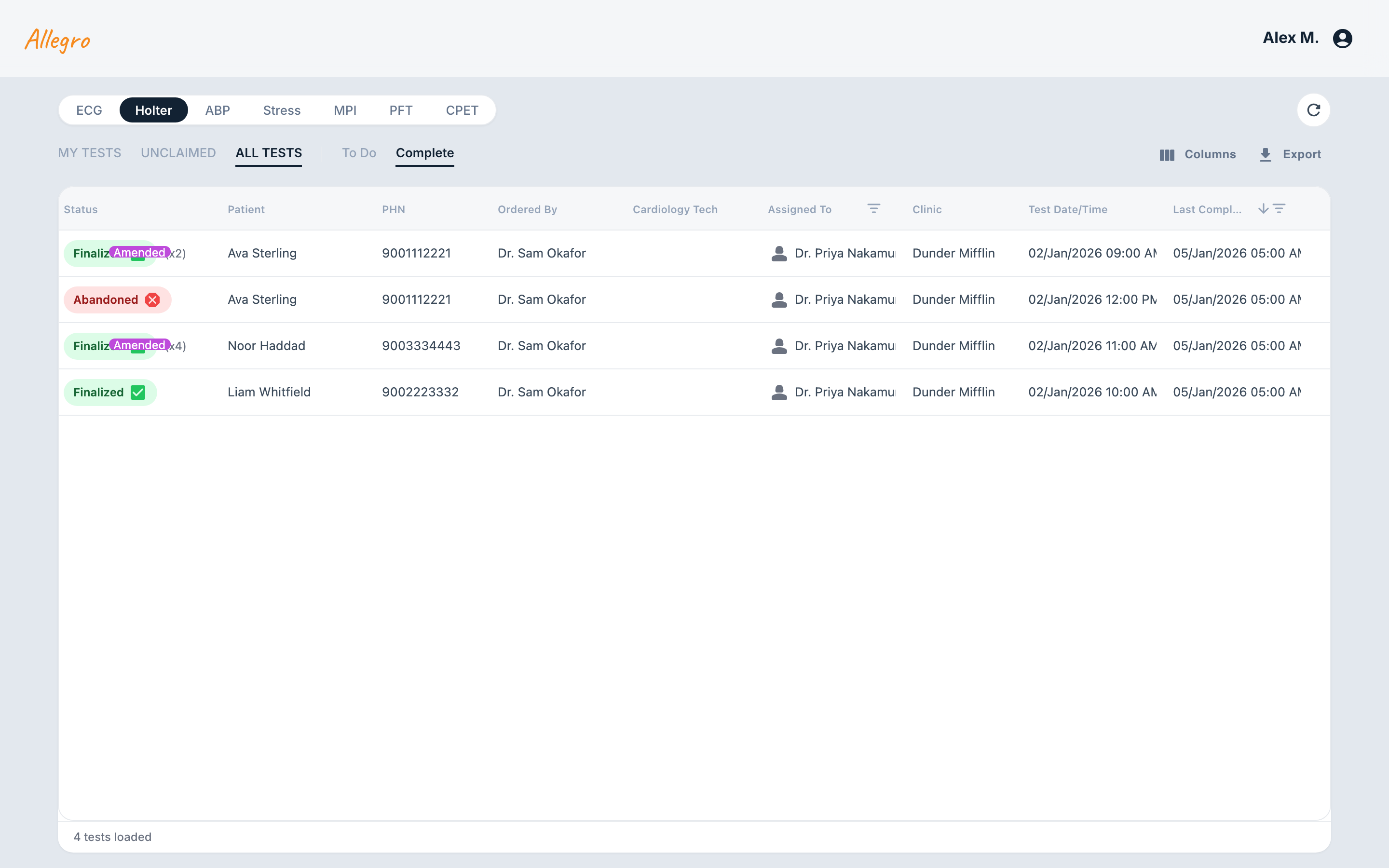
Open the test list and select Complete.
-
Find the test and select Amend. (It’s also in the ⋮ menu and in PHN lookup.)
-
Allegro reminds you: “Amending a test will not remove the preceding reports saved in the EMR.” Select Confirm.
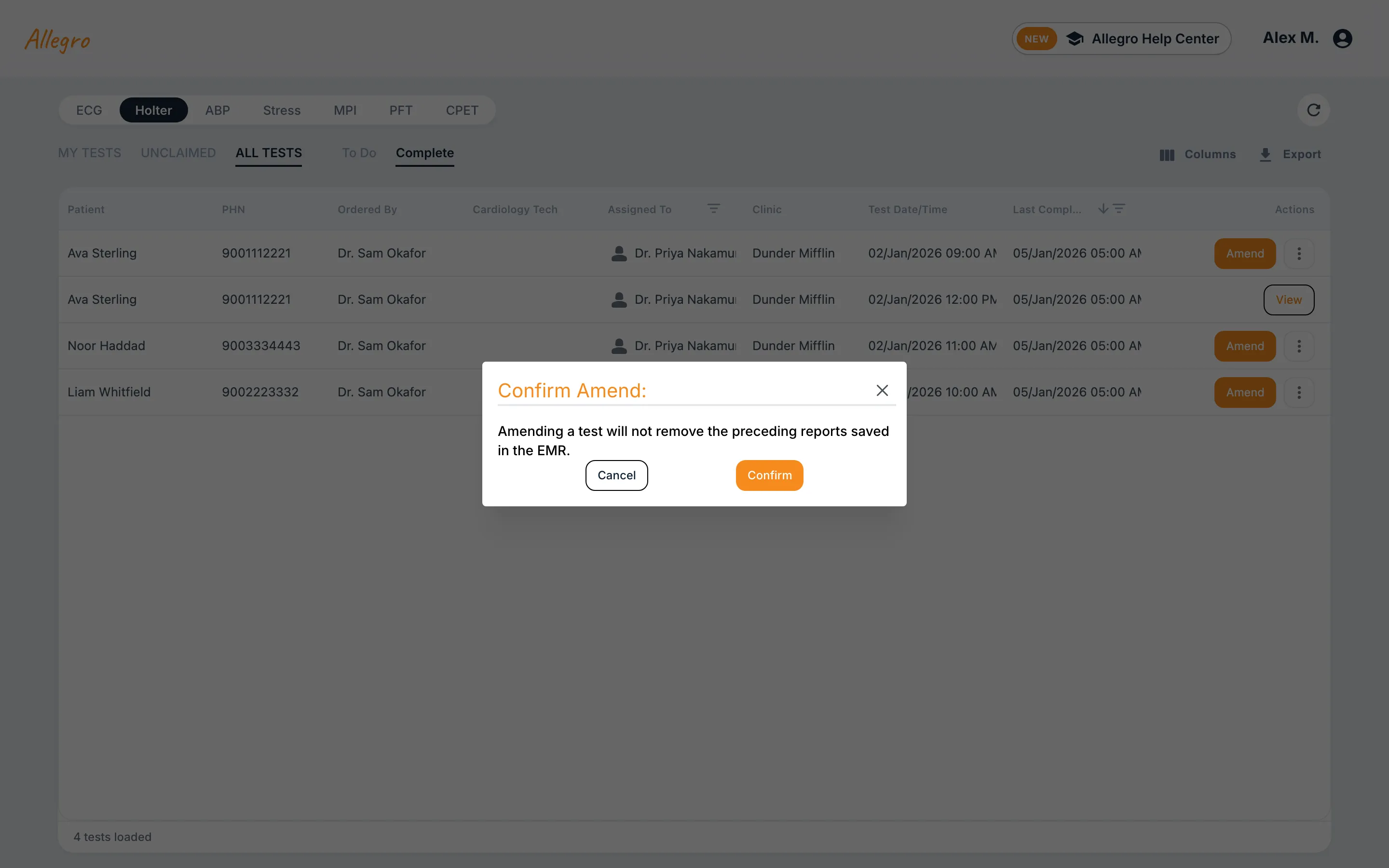
Confirm Amend -
The review screen opens with your earlier interpretation. Make your changes.
-
Select Amend (bottom-right) and confirm.
What happens
Section titled “What happens”- A new Amendment version is created and sent to the EMR.
- The earlier report stays in the EMR. Allegro doesn’t delete it.
- In the list, the test shows an Amended tag with a count (×2, ×3…).
- Every version is listed under Document Versions when you view the report.