Making a correction to a finalized test
This page isn't usually needed for the group you picked under Viewing as. It's shown because you opened it directly.
Spotted a wrong name, PHN or date of birth after a test was finalized? Use Make Correction.
-
Open the test list, select Complete, and find the test.
-
Select ⋮ then Make Correction.
-
Allegro warns: “Making a correction will send the test back for sign-off by the physician.” Select Confirm.
-
Fix the patient details.
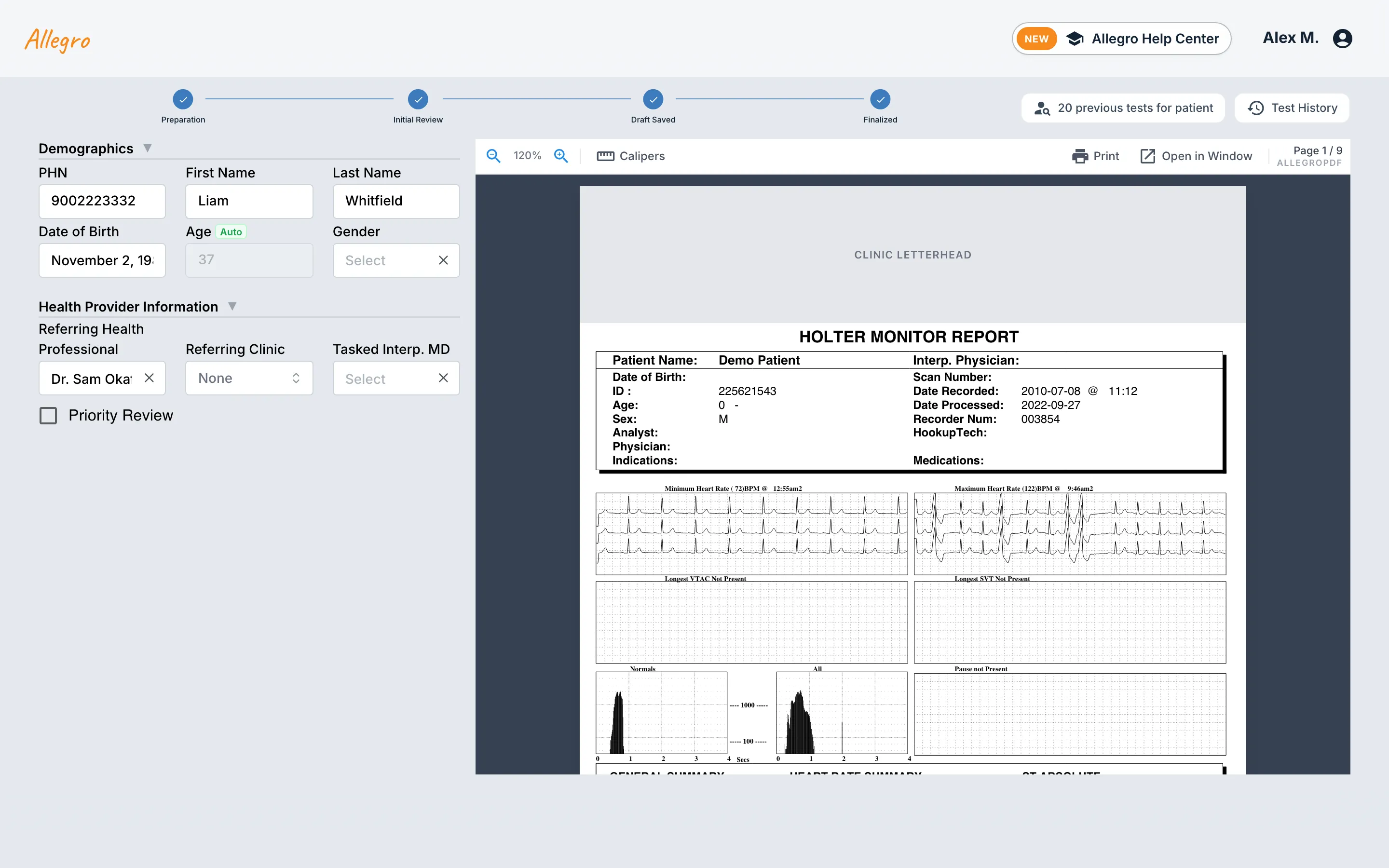
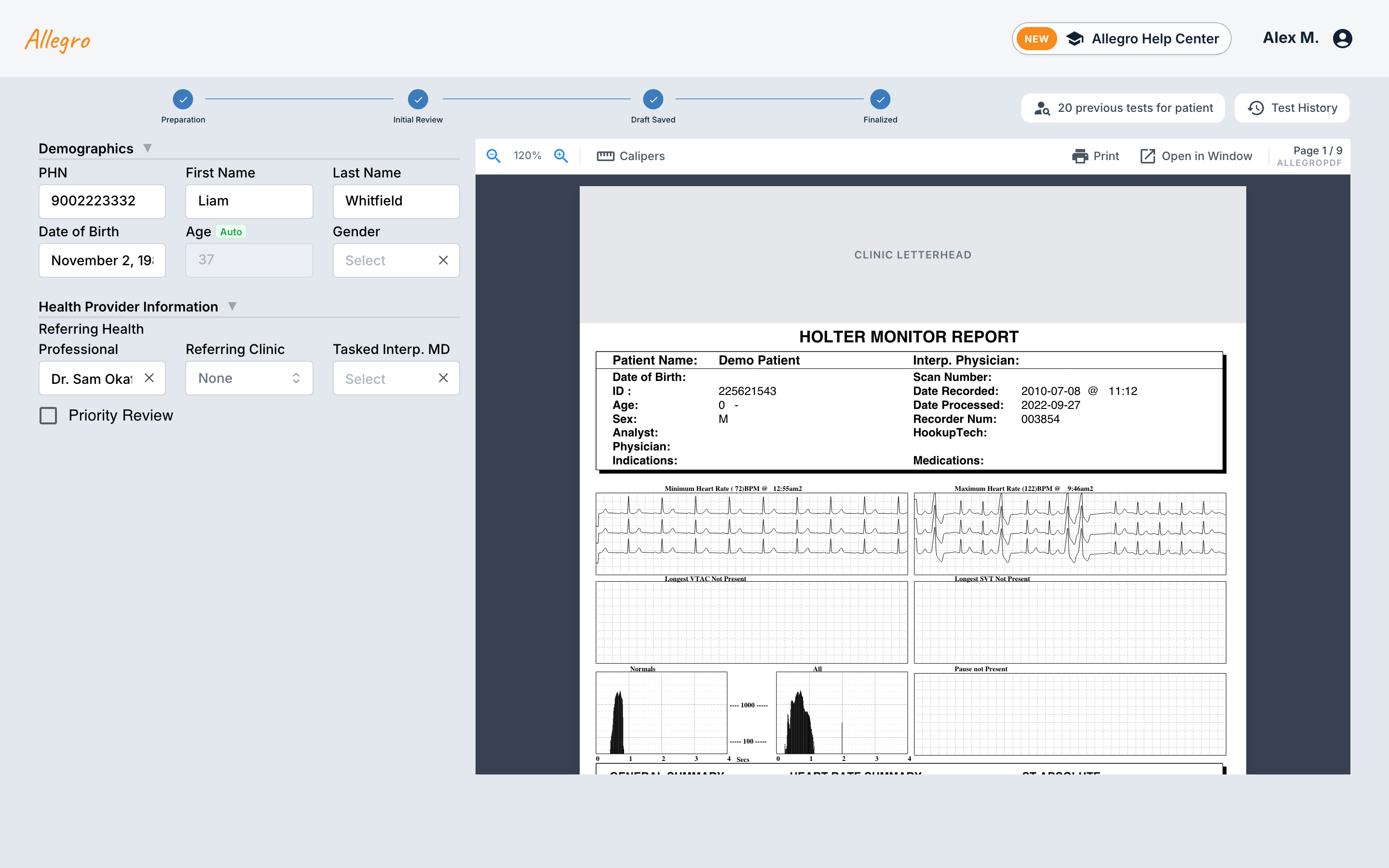
Correcting details on a finalized test -
Select Make Correction at the bottom-left.
What happens
Section titled “What happens”- The test goes back to the physician to sign off again.
- In the list, it shows a Correction tag.
- Once the physician signs off, the corrected report is sent to the EMR.