Test history and audit trail
This page isn't usually needed for the group you picked under Viewing as. It's shown because you opened it directly.
Allegro records every time someone opens or changes a test. You can see this history from inside any test.
-
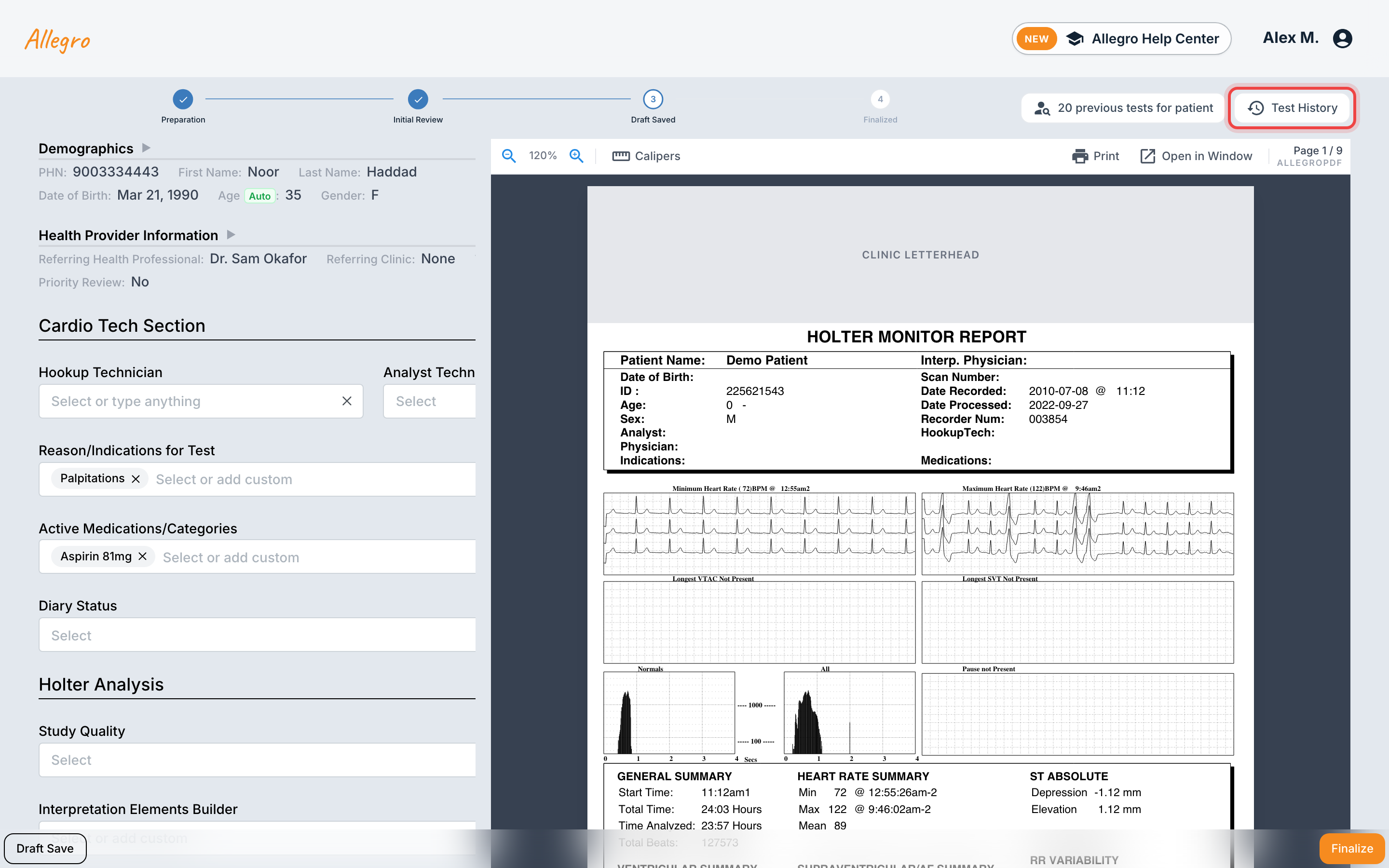
Open a test (for example with Review or View).
-
Select Test History in the top-right.
-
The Test Audit History panel opens. The newest entries are at the top.
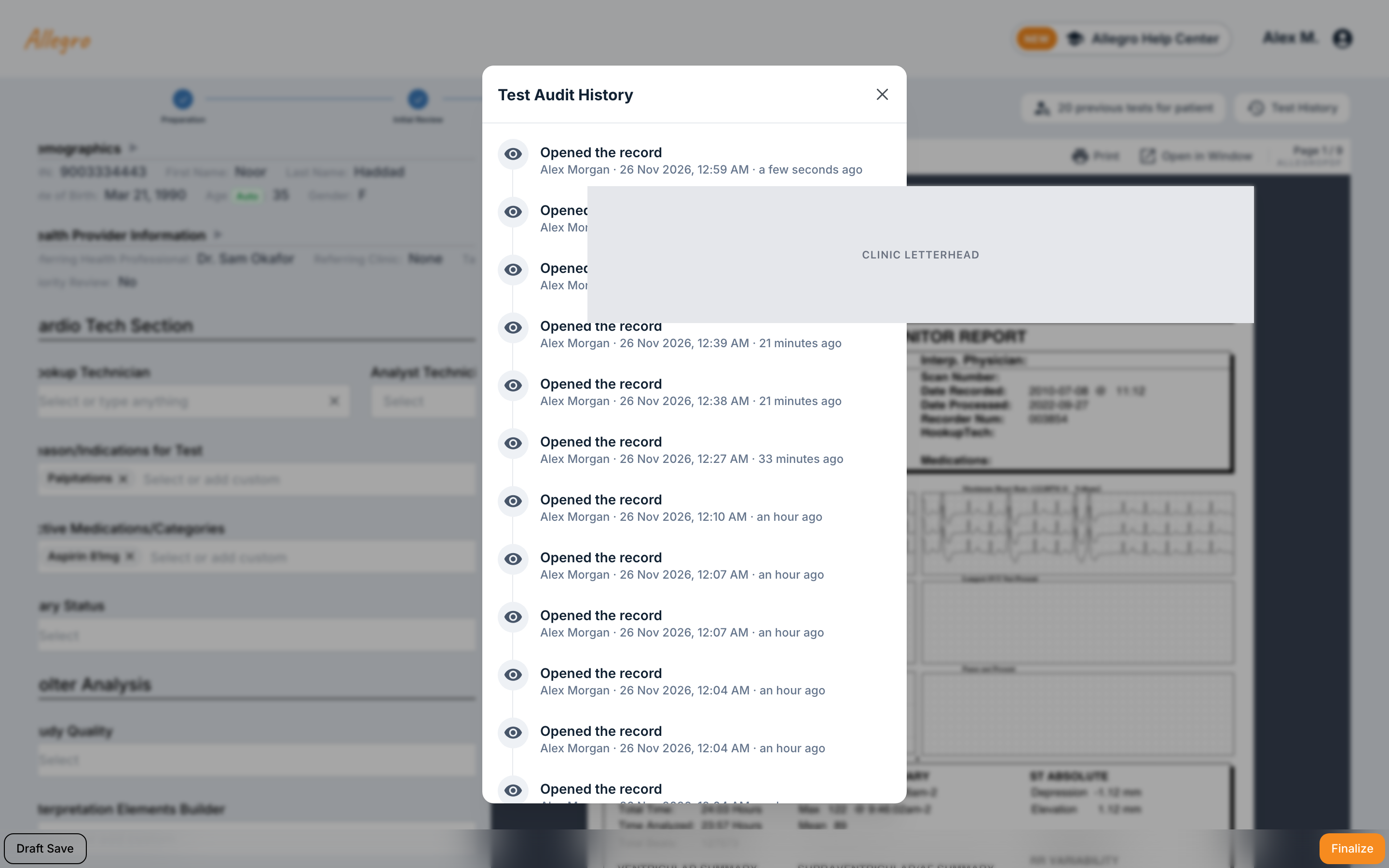
Each entry shows:
- What happened, for example Opened the record, Saved a draft or Finalized
- Who did it
- When it happened, with the exact time and how long ago
Close the panel with the ×.
Organization-wide history
Section titled “Organization-wide history”Administrators can see every action across all tests in Access logs.