Downloading a report
This page isn't usually needed for the group you picked under Viewing as. It's shown because you opened it directly.
Finalized reports are sent to your EMR automatically, so you usually don’t need to download them. When you do need a copy:
-
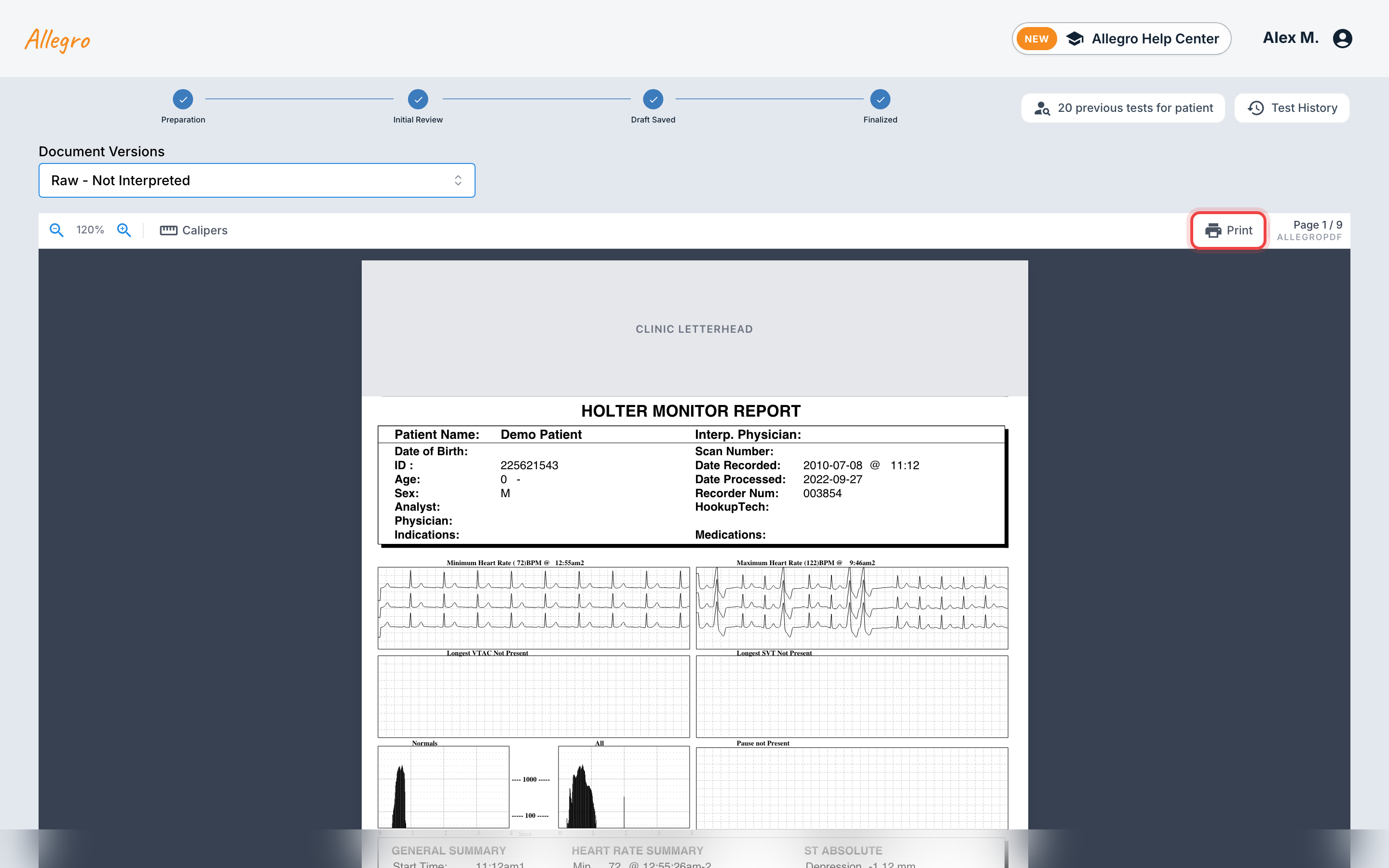
Open the report with View.
-
If needed, choose the version in Document Versions.
-
In the viewer toolbar, select Print.
-
In the print window, set Destination (or Printer) to Save as PDF.
-
Select Save and choose where to put the file.